Blog

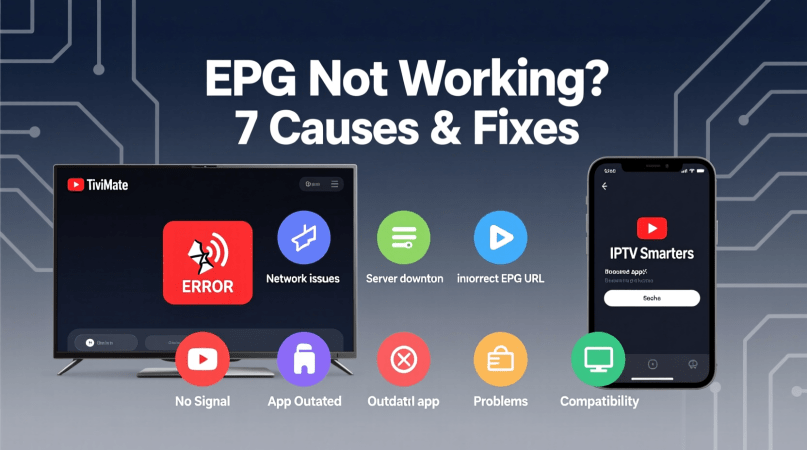
  • EPG Not Working on TiviMate or IPTV Smarters? 7 Causes & Fixes

    EPG Not Working on TiviMate or IPTV Smarters? 7 Causes & Fixes

    Are you experiencing issues with the Electronic Program Guide (EPG) on your TiviMate or IPTV Smarters app? You’re not alone. Many users face streaming problems due to EPG-related issues, disrupting their viewing experience.

    This article will explore the common causes behind EPG not working on these popular streaming apps and provide you with practical fixes to resolve the issue. Whether you’re using TiviMate or IPTV Smarters, we’ve got you covered with 7 potential solutions to get your EPG up and running smoothly again.

    Key Takeaways

    • Identify the common causes of EPG issues on TiviMate and IPTV Smarters
    • Learn how to troubleshoot EPG problems on your streaming device
    • Discover 7 practical fixes to resolve EPG not working issues
    • Get tips on optimizing your streaming experience with TiviMate and IPTV Smarters
    • Understand how to minimize streaming problems related to EPG

    Understanding EPG and Its Importance

    For IPTV users, the Electronic Program Guide (EPG) is an indispensable tool that enhances their streaming experience. The EPG serves as a comprehensive guide to TV programs, allowing users to navigate through various channels and shows with ease.

    What is an Electronic Program Guide (EPG)?

    An Electronic Program Guide (EPG) is a digital guide that provides information about TV programs, including schedules, descriptions, and other relevant details. It is an essential component of modern IPTV services, making it easier for users to find and watch their favorite shows.

    How EPG Enhances Your IPTV Experience

    The EPG significantly enhances the IPTV viewing experience by providing users with a user-friendly interface to browse through channels and programs. Here are some key benefits:

    • Easy navigation through various channels
    • Detailed program information, including schedules and descriptions
    • Personalized recommendations based on viewing history
    EPG Feature Benefit to User
    Comprehensive TV Guide Easy access to program information
    Personalized Recommendations Enhanced viewing experience

    By understanding and utilizing the EPG effectively, IPTV users can maximize their streaming experience, enjoying a more organized and personalized way of watching TV.

    Why Is Your EPG Not Working? Common Symptoms

    The Electronic Program Guide (EPG) is a crucial component of IPTV services, and when it fails, users may experience a variety of issues. Understanding these symptoms is key to diagnosing and resolving the problem.

    Blank or Missing Program Information

    One of the most common symptoms of an EPG issue is blank or missing program information. This can manifest as empty channels, missing showtimes, or a complete lack of data on the guide.

    Incorrect Program Listings

    Sometimes, the EPG may display incorrect information, such as wrong showtimes, mislabeled channels, or inaccurate program descriptions. This can be confusing and disrupt your viewing experience.

    EPG Loading Indefinitely

    Another symptom is when the EPG loads indefinitely, never displaying the program information. This can be due to various factors, including server issues or network connectivity problems.

    Canadian Channel Guide Issues

    For Canadian IPTV users, specific channel guide issues can arise, such as regional sports channels not displaying correctly or local news channels being unavailable. These issues can be particularly frustrating for users relying on these channels.

    Symptom Description Possible Cause
    Blank or Missing Program Information Empty channels or missing showtimes EPG data feed issues
    Incorrect Program Listings Wrong showtimes or mislabeled channels Incorrect EPG configuration
    EPG Loading Indefinitely EPG never displays program information Server or network issues
    Canadian Channel Guide Issues Regional sports or local news channels not available Regional broadcasting restrictions

    Cause 1: Outdated IPTV Application

    An outdated IPTV application can significantly disrupt your EPG experience. When your IPTV app is not updated, it can lead to compatibility issues with the Electronic Program Guide, resulting in malfunctions or failure to load program information.

    How Outdated Apps Affect EPG Functionality

    Outdated IPTV applications can cause EPG issues due to changes in the app’s code or compatibility problems with the server providing the EPG data. Updating your IPTV app ensures you have the latest fixes and improvements, which are crucial for maintaining a smooth EPG experience.

    How to Update TiviMate

    To update TiviMate, follow these steps:

    1. Open the Google Play Store on your Android device.
    2. Search for “TiviMate” in the search bar.
    3. If an update is available, you’ll see an “Update” button. Tap on it.
    4. Wait for the update to download and install.

    How to Update IPTV Smarters

    To update IPTV Smarters, follow these steps:

    • For Android devices: Go to the Google Play Store, search for “IPTV Smarters,” and update if available.
    • For iOS devices: Open the App Store, search for “IPTV Smarters,” and update if available.

    As noted by a user,

    “Keeping my IPTV app updated has resolved most of my EPG issues.”

    This highlights the importance of regular updates for a seamless viewing experience.

    App Update Steps
    TiviMate Google Play Store > Search TiviMate > Update
    IPTV Smarters Google Play Store/App Store > Search IPTV Smarters > Update

    Cause 2: Incorrect EPG URL Configuration

    Misconfigured EPG URLs are a common cause of EPG not working on TiviMate or IPTV Smarters. The Electronic Program Guide (EPG) relies on a correctly configured URL to fetch and display program information. An incorrect or malformed EPG URL can lead to a blank or missing program guide, disrupting your IPTV experience.

    Understanding EPG URL Structure

    The EPG URL is typically provided by your IPTV service provider and is structured to fetch program data from a specific server. The URL usually includes the protocol (http/https), the server address, and sometimes additional parameters for authentication or data formatting. Understanding this structure is crucial for troubleshooting EPG issues.

    Fixing EPG URL in TiviMate

    To fix the EPG URL in TiviMate, navigate to the app’s settings, find the EPG settings section, and update the EPG URL with the correct link provided by your IPTV service provider. Ensure that the URL is correctly formatted and saved.

    Fixing EPG URL in IPTV Smarters

    For IPTV Smarters, go to the settings, select the “EPG Guide Data” or similar option, and update the EPG URL. Make sure to save the changes and restart the app for the new settings to take effect.

    Verifying XML Format Compatibility

    It’s also essential to verify that the EPG data is in a format compatible with your IPTV app. Most apps support XML format, but the structure and tags used within the XML file can vary. Ensure that your IPTV provider’s EPG data is correctly formatted and compatible with your chosen IPTV application.

    By correctly configuring the EPG URL and ensuring compatibility with your IPTV app, you can resolve many EPG-related issues and enjoy a seamless viewing experience.

    Cause 3: Server-Side EPG Issues

    IPTV users may encounter EPG problems due to server-side issues, which are often beyond their control. Server-side EPG issues occur when the problem lies with the IPTV service provider’s servers rather than the user’s device or configuration.

    How to Identify Server Problems

    To determine if server-side issues are causing your EPG problems, check if other users of the same IPTV service are experiencing similar issues. You can do this by visiting online forums or social media groups related to your IPTV provider.

    Common indicators of server-side issues include:

    • Multiple users are reporting EPG failures
    • Error messages indicating server problems
    • EPG is not loading across different devices using the same IPTV service

    Contacting Your IPTV Provider

    If you suspect server-side issues, contacting your IPTV provider is the next step. Be prepared to provide details about your issue, including error messages and the time it occurred.

    Information to Provide Example
    Error Message “EPG Load Failed”
    Time of Occurrence 8:00 PM EST
    Device and App Used TiviMate on Android TV

    Temporary Workarounds for Server Issues

    While waiting for your IPTV provider to resolve server-side issues, consider using alternative EPG sources or checking if your provider has a backup EPG URL.

    By understanding the nature of server-side EPG issues and knowing how to identify and address them, you can minimize downtime and continue enjoying your IPTV service.

    Cause 4: Network Connectivity Problems

    EPG functionality heavily relies on robust network connectivity to fetch and update program listings in real-time. When network connectivity is compromised, it can lead to various EPG loading issues, affecting the overall IPTV viewing experience.

    How Network Issues Affect EPG Loading

    Network connectivity problems can manifest in different ways, such as slow internet speeds, packet loss, or complete network outages. These issues can prevent EPG data from loading correctly or promptly, resulting in:

    • Delayed or incomplete EPG listings
    • Failure to update program schedules
    • Inability to fetch EPG data, leading to a blank or missing program guide

    Troubleshooting Your Internet Connection

    To address EPG issues related to network connectivity, start by troubleshooting your internet connection:

    1. Check your internet speed to ensure it meets the minimum requirements for IPTV streaming.
    2. Restart your router to resolve any temporary connectivity issues.
    3. Verify that your device is connected to the correct network.

    Optimizing Network Settings for EPG

    Adjusting your network settings can also improve EPG loading:

    • Use a wired Ethernet connection for more stability.
    • Configure your router’s Quality of Service (QoS) settings to prioritize IPTV traffic.

    Canadian ISP-Specific Considerations

    Canadian IPTV users may face unique network challenges due to the country’s vast geography and varying ISP infrastructures. Some considerations include:

    ISP Average Speed Known Issues
    Rogers 150 Mbps Peak hour congestion
    Bell 120 Mbps Data caps
    Telus 100 Mbps Throttling during high usage

    Understanding your ISP’s network characteristics can help you troubleshoot EPG issues more effectively. For instance, if you’re experiencing EPG loading problems during peak hours, it might be due to network congestion.

    By addressing network connectivity problems and optimizing your internet connection, you can significantly improve your EPG experience on TiviMate and IPTV Smarters.

    Cause 5: Incorrect Time Zone Settings
    One often overlooked cause of EPG malfunction is incorrect time zone configuration. Time zone settings play a vital role in ensuring that your Electronic Program Guide (EPG) displays the correct schedule for your location.

    Why Time Zone Matters for EPG

    The EPG relies on accurate time zone information to display program timings correctly. If your device is set to the wrong time zone, the EPG will show incorrect program start and end times, leading to confusion and potential missed broadcasts.

    Adjusting Time Zone in TiviMate

    To adjust the time zone in TiviMate, follow these steps:

    • Open TiviMate on your device.
    • Go to the settings menu.
    • Look for the “Time Zone” or “Date & Time” option.
    • Select your correct time zone from the list.
    • Save your changes.

    Adjusting Time Zone in IPTV Smarters

    For IPTV Smarters, the process is similar:

    1. Launch IPTV Smarters on your device.
    2. Navigate to the settings or configuration section.
    3. Find the “Time Zone” setting.
    4. Choose your appropriate time zone.
    5. Confirm your selection to save the changes.

    Setting Canadian Time Zones Correctly

    Canada spans multiple time zones, including Pacific, Mountain, Central, Eastern, and others. Ensure you select the correct time zone for your location. For instance, if you’re in Vancouver, you should set your time zone to Pacific Time. If you’re in Toronto, you should choose Eastern Time.

    By correctly setting your time zone, you can resolve EPG display issues and enjoy a seamless viewing experience with your IPTV service.

    Cause 6: Cache and Data Corruption

    One often overlooked cause of EPG issues is cache and data corruption. When your IPTV application stores data, it can sometimes become corrupted or outdated, leading to problems with your Electronic Program Guide.

    How Cache Affects EPG Performance

    Cache memory is used by applications like TiviMate and IPTV Smarters to store temporary data. Over time, this cache can become corrupted or filled with outdated information, which can cause your EPG to malfunction. Symptoms can include missing program information, incorrect listings, or the EPG failing to load altogether.

    Clearing Cache in TiviMate

    To clear the cache in TiviMate, follow these steps:

    • Open TiviMate on your device.
    • Go to the settings menu.
    • Select “Data Management.”
    • Choose “Clear Cache.”
    • Confirm that you want to clear the cache.

    Clearing Cache in IPTV Smarters

    For IPTV Smarters, the process is slightly different:

    1. Open IPTV Smarters on your device.
    2. Navigate to the settings or configuration section.
    3. Look for “Clear Cache” or “Clear Data” options.
    4. Select the appropriate option to clear the cache.

    Performing a Clean Reinstall

    If clearing the cache doesn’t resolve your EPG issues, you may need to perform a clean reinstall of your IPTV application. This involves uninstalling the app, removing any associated data, and then reinstalling it. Be sure to back up any important settings or login information before doing so.

    Application Clear Cache Steps Clean Reinstall Steps
    TiviMate Settings > Data Management > Clear Cache Uninstall > Remove Data > Reinstall
    IPTV Smarters Settings > Clear Cache/Clear Data Uninstall > Remove Data > Reinstall

    By following these steps, you should be able to resolve EPG issues related to cache and data corruption. Regularly clearing your cache can help prevent these problems from occurring in the future.

    Cause 7: Device Compatibility Issues

    One often overlooked cause of EPG malfunction is device incompatibility, which can affect both TiviMate and IPTV Smarters. Ensuring that your device is compatible with the IPTV application is crucial for a seamless viewing experience.

    Common Device Limitations

    Different devices have varying capabilities that can impact how well an IPTV app functions. For instance, older devices might not support the latest software updates required by TiviMate or IPTV Smarters, leading to EPG issues. Checking your device’s specifications against the app’s requirements is a crucial first step.

    Optimizing TiviMate for Your Device

    To optimize TiviMate, ensure your device’s operating system is up-to-date. Additionally, closing unnecessary background apps can help allocate sufficient resources for TiviMate to run smoothly. As noted by a TiviMate user, “Updating my device’s OS resolved the EPG loading issue I was experiencing.”

    “The key to a smooth IPTV experience lies in ensuring your device and apps are compatible and up-to-date.”

    Optimizing IPTV Smarters for Your Device

    For IPTV Smarters, adjusting the buffer settings can help improve EPG loading times on less powerful devices. It’s also beneficial to check for any available updates for the app itself, as these often include performance enhancements.

    Best Devices for Canadian IPTV Users

    Canadian IPTV users often prefer devices that offer a balance between performance and cost. Popular choices include certain models of Android TV boxes and Amazon Fire TV devices, which are known for their compatibility with a wide range of IPTV apps, including TiviMate and IPTV Smarters.

    By understanding and addressing device compatibility issues, Canadian IPTV users can significantly improve their EPG experience, ensuring they stay connected to their favorite channels and programs without interruption.

    Alternative EPG Solutions When Nothing Works
    When EPG issues persist despite troubleshooting, exploring alternative EPG solutions becomes essential. This approach can provide a reliable workaround for users experiencing persistent problems with their current EPG setup.

    Third-Party EPG Providers

    One viable option is to switch to third-party EPG providers. These services often offer more robust and reliable EPG data, potentially resolving the issues you’re experiencing with your current provider. Some popular third-party EPG providers include EPG123 and TV Guide.

    Setting Up External EPG Sources

    Another solution is to set up external EPG sources. This involves configuring your IPTV application to use an alternative EPG URL. To do this, you’ll need to obtain the EPG URL from your chosen provider and then follow the application’s specific instructions for entering this information. For instance, in TiviMate, you can do this by navigating to the EPG settings and entering the new URL.

    Canadian-Specific EPG Alternatives

    For Canadian users, there are Canadian-specific EPG alternatives available. These are particularly useful as they often include region-specific channels and programming information. Examples include XMLTV and other regional EPG providers that cater to Canadian IPTV users.

    By exploring these alternative EPG solutions, users can potentially resolve their EPG issues and enjoy a more stable and comprehensive viewing experience.

    Conclusion

    Resolving EPG issues is crucial for a seamless streaming experience on TiviMate and IPTV Smarters. The 7 causes and fixes outlined in this article provide a comprehensive guide to troubleshooting EPG not working issues.

    By understanding the root causes of EPG problems, users can take corrective measures to ensure their electronic program guide is functioning correctly. Whether it’s updating the IPTV application, configuring EPG URL settings, or troubleshooting network connectivity, each step plays a vital role in resolving EPG issues.

    For users in Canada, being aware of Canadian channel guide issues and optimizing network settings can significantly enhance their streaming experience. By applying these fixes and considering alternative EPG solutions when necessary, users can enjoy uninterrupted streaming on their preferred platforms, including TiviMate and IPTV Smarters.

    Effective troubleshooting and maintenance of EPG settings are key to a hassle-free streaming experience. By following the guidelines outlined in this article, users can overcome EPG issues and enjoy their favorite streaming solutions without interruption.

    FAQ

    Why is my EPG not working on TiviMate or IPTV Smarters?

    There are several reasons why your EPG may not be working, including outdated IPTV applications, incorrect EPG URL configuration, server-side EPG issues, network connectivity problems, incorrect time zone settings, cache and data corruption, and device compatibility issues.

    How do I update TiviMate to fix EPG issues?

    To update TiviMate, go to the Google Play Store, search for TiviMate, and click the “Update” button if an update is available.

    What is the correct EPG URL structure for IPTV Smarters?

    The correct EPG URL structure may vary depending on your IPTV provider. Check with your provider for the correct EPG URL and verify that it is in the correct XML format.

    How do I troubleshoot network connectivity problems affecting EPG loading?

    Check your internet connection, restart your router, and ensure that your device is connected to the correct network. You can also try optimizing your network settings for EPG.

    Why is my time zone setting important for EPG?

    Your time zone setting is crucial for EPG as it ensures that the program guide is displayed in the correct time zone. Adjust your time zone settings in TiviMate or IPTV Smarters to match your location.

    How do I clear cache in IPTV Smarters to resolve EPG issues?

    To clear cache in IPTV Smarters, go to the app’s settings, find the “Clear Cache” or “Clear Data” option, and confirm that you want to clear the cache.

    What are some alternative EPG solutions if none of the fixes work?

    You can consider using third-party EPG providers, setting up external EPG sources, or exploring Canadian-specific EPG alternatives.

    Are there any device-specific considerations for EPG on TiviMate or IPTV Smarters?

    Yes, device compatibility issues can affect EPG performance. Optimize TiviMate or IPTV Smarters for your device, and consider using devices recommended for Canadian IPTV users.
  • Parental Controls for IPTV: Channel Locking, PINs and Safe Profiles

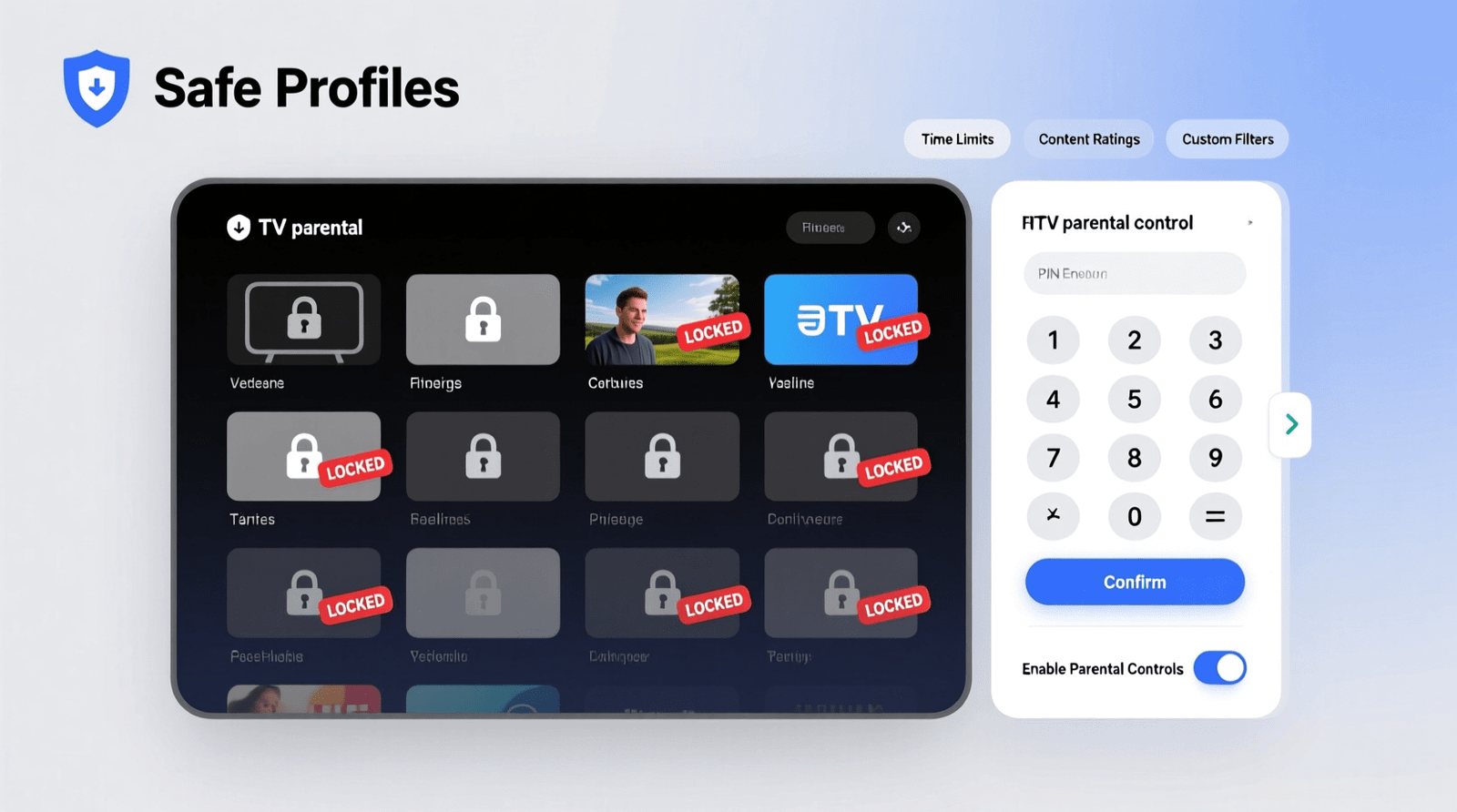
    Parental Controls for IPTV: Channel Locking, PINs and Safe Profiles

    Parental Controls for IPTV: As IPTV continues to grow in popularity among Canadian families, the need for effective parental controls becomes increasingly important. IPTV services offer a wide range of channels and content, making it essential to ensure a safe viewing experience for children.

    Channel locking and PIN protection are crucial features that help parents restrict access to mature content. By implementing these controls, families can enjoy their favorite shows while maintaining a secure viewing environment.

    Key Takeaways

    • IPTV parental controls are essential for a safe viewing experience.
    • Channel locking restricts access to mature content.
    • PIN protection adds an extra layer of security.
    • Safe profiles help parents manage content for their children.
    • Effective parental controls are crucial for families using IPTV services.

    The Growing Importance of Content Filtering in Digital Entertainment

    With IPTV platforms on the rise, the importance of content filtering in digital entertainment cannot be overstated. The way families consume media has undergone a significant transformation, moving from traditional TV viewing to more personalized and accessible IPTV services.

    The Shift from Traditional TV to IPTV Platforms

    The shift to IPTV platforms has been driven by their flexibility and vast content offerings. Unlike traditional TV, IPTV allows viewers to watch content on-demand, pausing, rewinding, or fast-forwarding as needed. This shift has been particularly appealing to families with diverse viewing preferences.

    • Personalized viewing experiences
    • Access to a wide range of channels and on-demand content
    • The ability to watch content on multiple devices

    Content Risks in the Streaming Era

    While IPTV offers numerous benefits, it also presents content risks, particularly for children. The vast and often unregulated nature of streaming content means that inappropriate material can be readily available. Effective content filtering is crucial to mitigate these risks.

    Some of the content risks include:

    1. Exposure to mature themes and violence
    2. Access to inappropriate language and suggestive content
    3. The potential for cyberbullying and online harassment

    By understanding these risks, parents can take steps to protect their children and ensure a safer viewing experience.

    Parental Controls for IPTV: An Overview of Available Options

    As IPTV services continue to grow in popularity across Canada, the need for effective parental controls has become increasingly important. IPTV parental controls are designed to provide a safe viewing environment for families by allowing parents to manage what content is accessible to their children.

    The importance of these controls cannot be overstated, as they help in shielding younger viewers from inappropriate content. IPTV services offer a range of control features that cater to different family needs.

    Basic vs. Advanced Control Features

    IPTV services typically offer a spectrum of parental control features, ranging from basic to advanced. Basic features might include simple channel blocking and PIN protection, while advanced features could encompass more sophisticated options like content filtering based on ratings, genre restrictions, and time-based viewing limitations.

    The distinction between basic and advanced features is significant because it allows families to choose the level of control that best suits their needs. For instance, families with younger children might opt for more restrictive settings, while families with older children might prefer more lenient controls.

    Feature Basic Advanced
    Channel Blocking Yes Yes
    PIN Protection Yes Yes
    Content Filtering No Yes
    Time-Based Restrictions No Yes

    How Canadian IPTV Services Prioritize Family Safety

    Canadian IPTV services are actively working to prioritize family safety by integrating robust parental control features into their offerings. Many services are now providing customizable profiles for different family members, allowing for a more tailored viewing experience.

    These services understand the importance of creating a safe and controlled environment for younger viewers. By offering features like content filtering and time-based restrictions, Canadian IPTV services are helping families manage their viewing experiences more effectively.

    Channel Locking: Restricting Access to Inappropriate Content

    IPTV channel restrictions are vital for ensuring a safe viewing experience for children, and channel locking is at the forefront of this effort. By locking specific channels, parents can prevent their children from accessing mature or inappropriate content. This feature is particularly important in the Canadian IPTV landscape, where a wide range of channels are available.

    Setting Up Channel Restrictions on Major Canadian IPTV Services

    Major Canadian IPTV services offer various methods for setting up channel restrictions. For instance, some providers allow parents to lock channels directly through their set-top boxes, while others offer app-based controls. Parents can typically access these features through the IPTV service’s settings menu, where they can select specific channels to lock and set up PIN protection to prevent unauthorized access.

    Custom Channel Grouping for Different Age Groups

    Custom channel grouping is another powerful feature offered by some Canadian IPTV services. This allows parents to create different channel packages based on age appropriateness. For example, a parent can create a “Kids’ Package” that includes only child-friendly channels, while locking more mature channels. This not only simplifies the viewing experience for children but also gives parents greater control over what their kids watch. By organizing channels into these custom groups, families can enjoy a more tailored IPTV experience.

    PIN Protection Systems: Creating Secure Access Barriers

    Implementing PIN protection systems is a vital step in securing IPTV services for families. These systems act as a barrier, preventing unauthorized access to mature content or making unapproved purchases. By setting up a PIN, parents can ensure that their IPTV service is used responsibly.

    Establishing Strong, Memorable PINs

    Creating a strong yet memorable PIN is crucial. A good PIN should be easy for the parent to remember but hard for children to guess. It’s recommended to avoid using obvious numbers like birthdates or sequential numbers. Instead, consider using a combination that holds personal significance but isn’t easily discoverable by others.

    Implementing PIN Verification for Purchases and Mature Content

    PIN verification can be used to control not just access to certain channels but also to restrict purchases on IPTV services. By requiring a PIN for transactions, parents can prevent unauthorized spending. Similarly, PIN verification for mature content ensures that children cannot access inappropriate material without parental consent.

    Managing Multiple PINs for Different Family Members

    For households with multiple viewers, managing different PINs can be beneficial. This allows parents to customize access levels for each family member based on age and maturity. It’s essential to keep track of these PINs to ensure that the system remains effective and easy to manage.

    By implementing these strategies, families can enjoy a safer and more controlled IPTV viewing experience. PIN protection systems offer a flexible and effective way to manage access to content, ensuring that IPTV services are used in a way that is appropriate for all family members.

    Creating Safe Viewing Profiles for Family Members

    Safe viewing profiles are essential for a family-friendly IPTV experience. By creating customized profiles, parents can ensure that their children are only exposed to age-appropriate content.

    Age-Appropriate Profile Configuration

    Configuring IPTV profiles according to the age of the viewer is crucial. This involves selecting content that is suitable for the child’s developmental stage. For instance, younger children can be restricted to watching children’s educational programs, while older children can be given access to more mature content, still within the bounds of what’s appropriate for their age.

    Content Customization for Different Developmental Stages

    IPTV services allow for content customization based on the viewer’s developmental stage. This means that parents can tailor the viewing experience to include educational content for younger children, and more informative or entertaining content for older children and teenagers. Customization options may include:

    • Selecting specific channels or programs
    • Setting up parental controls for on-demand content
    • Creating watchlists for favorite shows

    Profile Switching and Management

    Effective profile management is key to a seamless viewing experience. IPTV services that offer easy profile switching allow family members to quickly change between profiles without needing to reconfigure settings. This feature is particularly useful in households with multiple viewers of different ages.

    By implementing these strategies, parents can create a safe and enjoyable viewing environment for their family members, leveraging the full potential of IPTV customization.

    Time-Based Restrictions and Viewing Schedules

    Parents can leverage time-based restrictions and viewing schedules to control IPTV access, promoting healthier viewing habits. This feature allows families to establish a balance between screen time and other daily activities, ensuring that IPTV usage doesn’t interfere with important routines.

    Setting Daily and Weekly Screen Time Limits

    Setting daily and weekly screen time limits is an effective way to manage IPTV usage. By doing so, parents can:

    • Restrict the total screen time per day or week
    • Customize viewing windows according to family schedules
    • Ensure that screen time doesn’t encroach on essential activities like homework or meals

    This approach helps in developing disciplined viewing habits among children.

    Creating Homework and Bedtime Viewing Blocks

    Creating specific viewing blocks for homework and bedtime is another useful strategy. For instance:

    1. Blocking IPTV access during homework hours to encourage study
    2. Restricting viewing during bedtime to promote healthy sleep habits

    By implementing these blocks, parents can foster a more structured daily routine, contributing to the overall well-being of their children.

    Content Filtering Beyond Basic Channel Controls

    Content filtering on IPTV services extends far beyond basic channel controls, offering a more nuanced approach to parental controls. This advanced filtering enables parents to create a safer viewing environment tailored to their family’s needs.

    Genre and Category-Based Restrictions

    Genre and category-based restrictions allow parents to block entire categories of content, such as sports, news, or movies, based on their suitability for different age groups. This feature is particularly useful for managing access to content that may not be suitable for younger viewers.

    For instance, parents can restrict access to categories like horror movies or adult-oriented content, ensuring that children only access age-appropriate material.

    Keyword and Rating Filters for On-Demand Content

    Keyword filters enable parents to block specific words or phrases associated with undesirable content, providing an additional layer of protection. Rating filters, on the other hand, allow parents to control access based on the content’s rating, such as PG, PG-13, or R.

    Filter Type Description Example
    Genre-Based Blocks content by genre Blocking horror movies
    Keyword Filter Blocks content with specific keywords Blocking content with mature themes
    Rating Filter Blocks content based on ratings Allowing only PG-rated content

    By combining these advanced filtering options, parents can create a highly controlled viewing environment that protects their children from inappropriate content while allowing them to enjoy a wide range of suitable programming.

    Multi-Device Management of Parental Controls

    With the proliferation of devices used for IPTV, effective multi-device management of parental controls is more important than ever. Families in Canada are increasingly accessing IPTV services through various devices, including TVs, tablets, and smartphones. This diversity of access points necessitates a robust system for managing parental controls across all devices to ensure a consistent and safe viewing experience.

    Synchronizing Controls Across TVs, Tablets, and Smartphones

    Synchronizing parental controls across different devices is crucial for maintaining a uniform level of protection. This involves setting up a centralized control system that can be accessed and managed from any device. By doing so, parents can ensure that their settings are consistently applied, regardless of how family members access IPTV services.

    Key benefits of synchronization include:

    • Consistent application of parental controls across all devices
    • Ease of management through a centralized control panel
    • Enhanced protection against inappropriate content across multiple access points

    Cloud-Based Control Management

    Cloud-based control management offers a flexible and scalable solution for managing parental controls across multiple devices. By leveraging cloud technology, parents can access and adjust their settings from anywhere, at any time, using an internet-connected device.

    Feature Local Management Cloud-Based Management
    Accessibility Limited to the device it’s set on Accessible from any internet-connected device
    Scalability Difficult to manage across multiple devices Easily scalable across numerous devices
    Flexibility Settings are fixed to the device Settings can be adjusted remotely

    In conclusion, effective multi-device management of parental controls is essential in today’s multi-device households. By synchronizing controls and leveraging cloud-based management, parents can ensure a safer and more controlled IPTV viewing experience for their families.

    Canadian Regulations and IPTV Content Protection

    Parental Controls for IPTV

    Understanding Canadian regulations is crucial for IPTV providers to ensure a safe viewing environment for their audience. The Canadian Radio-television and Telecommunications Commission (CRTC) plays a pivotal role in overseeing and regulating IPTV services.

    CRTC Guidelines and Requirements

    The CRTC has established stringent guidelines for IPTV services operating in Canada. These guidelines are designed to protect consumers, particularly children, from accessing inappropriate content. IPTV providers must comply with these regulations to avoid penalties and maintain their operating licenses.

    Canadian Content Rating Systems and Their Integration with IPTV

    Canada uses a classification system to rate content based on its suitability for different age groups. IPTV services are required to integrate these rating systems into their platforms, enabling parents to make informed decisions about the content their children can access. This integration is a critical aspect of content protection in the IPTV ecosystem.

    By adhering to CRTC guidelines and implementing effective content rating systems, IPTV providers can significantly enhance the safety and appropriateness of their content offerings. This not only protects viewers but also fosters trust in IPTV services.

    Monitoring and Reporting Tools for Parents

    With the rise of IPTV, Canadian parents need advanced reporting tools to monitor and manage their family’s viewing experience. These tools are essential for ensuring that children are not exposed to inappropriate content and for helping parents make informed decisions about their children’s viewing habits.

    IPTV services offer a range of monitoring and reporting tools that provide insights into viewing habits. These tools enable parents to stay informed about what their children are watching, how much time they spend watching, and whether they attempt to access restricted content.

    Viewing History and Usage Analytics

    Viewing history is a crucial feature that allows parents to see what content their children have accessed. This information can be used to identify patterns in viewing habits and to make adjustments to parental controls as needed. Usage analytics provide a broader view, showing how much time is spent on different types of content, helping parents to set more effective limits.

    By analyzing viewing history and usage analytics, parents can gain a deeper understanding of their children’s preferences and viewing behaviors. This information can be invaluable in setting up profiles and controls that are tailored to each child’s needs.

    Alert Systems for Restricted Content Attempts

    Alert systems are another key component of monitoring tools, notifying parents when their children attempt to access restricted content. These alerts can be sent via email or through the IPTV service’s app, ensuring that parents are always informed about potential issues.

    The alert systems can be customized to notify parents of various events, such as attempts to watch mature content, changes to parental control settings, or excessive viewing times. This feature allows parents to respond promptly to any issues, reinforcing the controls they have put in place.

    By leveraging these monitoring and reporting tools, Canadian parents can create a safer and more controlled viewing environment for their children, ensuring a more enjoyable IPTV experience for the whole family.

    Troubleshooting Common Parental Control Issues

    Troubleshooting IPTV parental controls is essential for maintaining a secure viewing environment. Parents may encounter several issues, including PIN and access problems, which can be frustrating but are often easily resolved.

    Resolving PIN and Access Problems

    One common issue is forgetting the PIN or encountering access problems. To resolve this, parents can try resetting the PIN through the IPTV service provider’s settings menu. Here are some steps to follow:

    • Navigate to the settings or parental controls section of your IPTV service.
    • Select the option to reset or recover your PIN.
    • Follow the prompts to create a new PIN, ensuring it is something memorable yet secure.

    If issues persist, contacting the IPTV service provider’s customer support can provide additional assistance.

    Updating Controls After System Changes or Updates

    System updates can sometimes affect parental control settings. To ensure continued effectiveness, parents should:

    1. Regularly review and update parental control settings after any system update.
    2. Check for any new features or changes to existing controls that may impact their configuration.

    By staying proactive, parents can maintain a safe viewing environment for their children.

    Conclusion: Balancing Protection with Trust in the IPTV Era

    As IPTV services continue to evolve and become an integral part of Canadian households, the need for effective parental controls has never been more pressing. By utilizing features such as channel locking, PIN protection systems, and safe viewing profiles, families can enjoy a safer and more enriching viewing experience.

    IPTV protection is not just about restricting access to inappropriate content; it’s also about creating a balance between protection and trust. By setting clear guidelines and monitoring viewing habits, parents can foster a responsible viewing culture that promotes healthy media consumption habits.

    Balancing protection and trust in the IPTV era requires ongoing vigilance and adaptation. As new IPTV services and features emerge, parents must stay informed about the latest parental control options and best practices to ensure their family’s viewing experience remains safe and enjoyable.

    By embracing parental controls in the IPTV era, Canadian families can harness the full potential of IPTV services while safeguarding their children from potential risks. This balanced approach enables families to trust the technology they use while protecting their loved ones.

    FAQ

    What are the primary methods for implementing parental controls on IPTV services?

    The primary methods include channel locking, PIN protection systems, and creating safe viewing profiles tailored to different family members’ needs.

    How do I set up channel restrictions on major Canadian IPTV services?

    To set up channel restrictions, access the parental control settings on your IPTV device or platform, select the channels you wish to restrict, and apply a PIN or password to lock these channels.

    Can I create custom channel groupings for different age groups on IPTV services?

    Yes, many IPTV services allow you to create custom channel groupings based on age appropriateness, enabling you to tailor the viewing experience to different family members.

    What is the best way to establish a strong, memorable PIN for IPTV parental controls?

    Choose a PIN that is a combination of numbers that are easy for you to remember but hard for others to guess, avoiding obvious choices like birthdates or sequential numbers.

    How do I implement PIN verification for purchases and mature content on IPTV?

    Access the parental control settings, enable PIN verification for purchases and mature content, and set a PIN that will be required for accessing restricted content or making purchases.

    Are there any Canadian regulations governing IPTV content protection?

    Yes, the CRTC (Canadian Radio-television and Telecommunications Commission) sets guidelines and requirements for IPTV content protection, including content rating systems integrated with IPTV services.

    How can I synchronize parental controls across multiple devices?

    Many IPTV services offer cloud-based control management that allows you to synchronize parental controls across different devices, ensuring a consistent viewing experience.

    What monitoring and reporting tools are available for parents using IPTV services?

    Parents can utilize viewing history, usage analytics, and alert systems for when children attempt to access restricted content to monitor and manage their children’s viewing habits.

    How do I troubleshoot common parental control issues on IPTV?

    For issues like PIN and access problems, check the IPTV service’s support resources or contact their customer service. Regularly update your parental controls following system changes or updates.

    Can I set daily and weekly screen time limits on IPTV services?

    Yes, many IPTV services allow you to set daily and weekly screen time limits, helping you manage your children’s screen time and establish healthy viewing habits.

    How do genre and category-based restrictions work on IPTV?

    Genre and category-based restrictions allow you to block or allow content based on its genre or category, providing a more nuanced approach to content filtering.

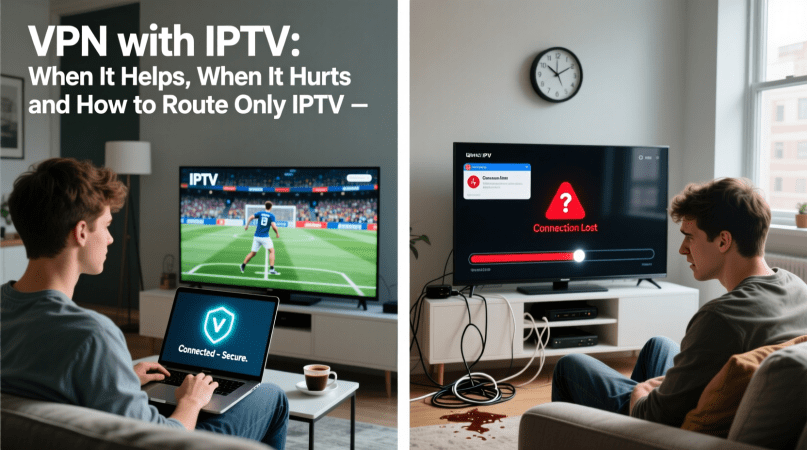
  • VPN with IPTV: When It Helps, When It Hurts and How to Route Only IPTV

    VPN with IPTV: When It Helps, When It Hurts and How to Route Only IPTV

    Streaming IPTV content has become a staple for many Canadians, offering a wide range of channels and on-demand content. However, accessing this content can sometimes be restricted due to geo-blocking or other limitations.

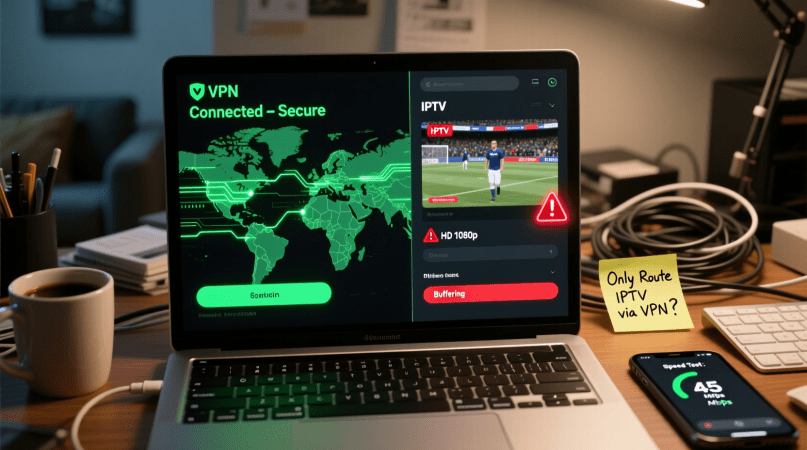
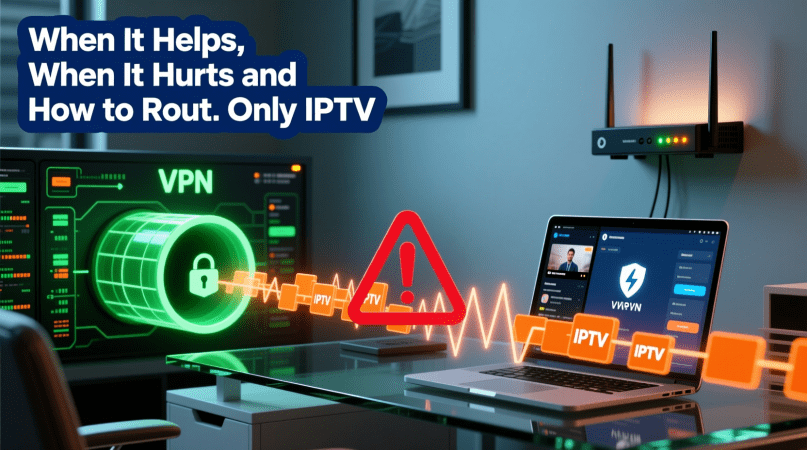
    Using a VPN with IPTV can help bypass these restrictions, allowing users to access their favorite content from anywhere. But it’s crucial to understand that a VPN can also potentially degrade the streaming quality if not configured correctly.

    The key is to know when a VPN is beneficial and when it might hurt your IPTV streaming experience. Proper configuration is essential to maintaining high-quality streaming while benefiting from the benefits.

    Key Takeaways

    • Understand how VPNs interact with IPTV streaming.
    • Learn when using a VPN with IPTV is beneficial.
    • Discover how to configure your VPN for optimal IPTV performance.
    • Identify potential drawbacks of using a VPN with IPTV.
    • Find out how to route only IPTV traffic through your VPN.

    Understanding IPTV and Its Growing Popularity

    IPTV is revolutionizing the way Canadians consume television. IPTV, or Internet Protocol Television, allows users to stream television content over the internet rather than through traditional satellite or cable formats.

    What Is IPTV and How Does It Work

    IPTV delivers television content through a broadband connection, offering a more flexible and personalized viewing experience. It works by encoding TV signals into Internet Protocol packets, which are then decoded by the user’s device, such as a smart TV or set-top box.

    The key benefits include:

    • On-demand content viewing
    • Multi-device support
    • Interactive TV features

    The Rise of IPTV Services in Canada

    IPTV services are gaining traction in Canada due to their flexibility and the wide range of content offered. Canadian consumers are drawn to IPTV for its ability to provide both local and international channels, as well as video-on-demand services.

    Some key factors contributing to its rise include:

    • Increasing internet speeds across Canada
    • Growing demand for on-demand content

    The Basics of VPN Technology

    VPN technology has become a cornerstone in protecting online privacy. As the internet continues to evolve, the need for secure and private connections has become increasingly important. VPNs, or Virtual Private Networks, play a crucial role in this arena.

    How VPNs Protect Your Online Privacy

    VPNs protect online privacy by encrypting internet traffic, making it difficult for third parties to intercept and read the data. This encryption is especially important when using public Wi-Fi networks, which are often targeted by hackers. By masking the user’s IP address, VPNs also prevent ISPs and other entities from tracking online activities.

    VPN Connection Types and Protocols

    There are several VPN connection types and protocols, each with its own strengths. Common protocols include OpenVPN, IKEv2, and WireGuard, which offer a balance between security and speed. The choice of protocol often depends on the user’s specific needs, such as streaming or torrenting.

    VPN Protocol Security Level Speed
    OpenVPN High Medium
    IKEv2 High Fast
    WireGuard High Very Fast

    Benefits of Using a VPN with IPTV

    The combination of VPN and IPTV offers numerous benefits, including enhanced privacy and the ability to bypass ISP throttling. By using a VPN with IPTV, users can enjoy a more secure and flexible viewing experience.

    Accessing Geo-Restricted Content

    One of the primary benefits of using a VPN with IPTV is the ability to access geo-restricted content. Many IPTV services are restricted to specific geographic regions, but a VPN can mask your IP address, making it appear as though you’re accessing the content from an allowed location. This is particularly useful for expatriates who want to access content from their home country.

    Bypassing ISP Throttling

    ISPs often throttle bandwidth for IPTV services, leading to buffering and poor video quality. A VPN can help bypass this throttling by encrypting your internet traffic, making it difficult for your ISP to detect that you’re streaming IPTV content. This results in a smoother and more reliable viewing experience.

    Enhanced Privacy and Security

    Using a VPN with IPTV also enhances your privacy and security. By encrypting your internet traffic, a VPN protects your viewing habits from being monitored by third parties, including your ISP and hackers. This is especially important for users who access IPTV services over public Wi-Fi networks.

    Benefit Description
    Accessing Geo-Restricted Content Mask IP address to access content from any location
    Bypassing ISP Throttling Encrypt internet traffic to prevent bandwidth throttling
    Enhanced Privacy and Security Encrypt viewing habits to protect against monitoring

    When VPN Use Can Negatively Impact IPTV Performance

    While VPNs offer numerous benefits for IPTV users, there are scenarios where their use can negatively impact performance. The relationship between VPNs and IPTV is complex, and understanding the potential drawbacks is crucial for a seamless viewing experience.

    Speed Reduction and Buffering Issues

    One of the primary concerns when using a VPN with IPTV is the potential for speed reduction, which can lead to buffering issues. VPNs encrypt internet traffic, which can slow down the connection. This is particularly problematic for IPTV, as it requires a stable and fast internet connection to stream content without interruption.

    • The encryption process can slow down the internet speed
    • The distance between the user and the VPN server affects speed
    • The quality of VPN service impacts overall performance

    VPN Detection by IPTV Providers

    Some IPTV providers have measures in place to detect and block VPN usage. When a VPN is detected, the IPTV service may refuse to stream content, or the quality may be significantly reduced. This can be frustrating for users who rely on VPNs for privacy and accessing geo-restricted content.

    Compatibility Problems with Certain Devices

    Not all devices are compatible with every VPN service. Compatibility issues can lead to a range of problems, including poor IPTV performance. It’s essential to choose a VPN that is compatible with your device to avoid such issues.

    Legal Considerations for VPN with IPTV in Canada

    As Canadians increasingly turn to IPTV services for their entertainment needs, understanding the legal landscape surrounding these services becomes crucial. The use of VPNs with IPTV adds another layer of complexity to the legal considerations.

    Canadian Laws and IPTV Services

    Canadian laws regarding IPTV services are primarily focused on copyright infringement. IPTV services that stream copyrighted content without proper authorization may be violating Canadian copyright laws. Users of these services should be aware that:

    • Accessing pirated content is illegal and can result in fines or other penalties.
    • Some IPTV services operate in a legal gray area, making it essential for users to research the service’s legitimacy.

    Copyright Implications and Best Practices

    To avoid copyright implications, IPTV users in Canada should adhere to best practices such as using authorized IPTV services and being cautious of services that seem too good to be true. Using a VPN can help protect user privacy, but it does not make illegal activities legal. Key best practices include:

    1. Choosing IPTV services that have proper licensing agreements.
    2. Understanding that VPNs do not shield users from all legal repercussions of accessing pirated content.

    Choosing the Right VPN for IPTV Streaming

    When it comes to IPTV streaming, not all VPNs are created equal. The right VPN can make a significant difference in your viewing experience by providing access to geo-restricted content, enhancing privacy, and reducing the risk of ISP throttling.

    Key Features to Look For

    To ensure a seamless IPTV streaming experience, look for a VPN with specific features. Two crucial aspects are server locations and speed, as well as device compatibility.

    Server Locations and Speed

    A VPN with a large network of servers in various locations can help you access geo-restricted IPTV content. Fast server speeds are also essential to prevent buffering and ensure smooth streaming.

    Device Compatibility

    Ensure that the VPN is compatible with your IPTV device. Many VPNs offer apps for popular devices, including smart TVs, streaming boxes, and mobile devices. This ensures that you can protect your IPTV streaming without compromising on performance.

    Top VPN Services for IPTV in Canada

    Some VPN services stand out for their performance and features that are particularly beneficial for IPTV streaming in Canada. Services like ExpressVPN, NordVPN, and CyberGhost are known for their fast speeds, extensive server networks, and compatibility with a range of devices.

    Free vs. Paid VPN Options

    While free VPNs may seem appealing, they often come with limitations such as data caps, slower speeds, and fewer server options. Paid VPN services, on the other hand, typically offer more robust features, better performance, and dedicated customer support, making them a better choice for IPTV streaming.

    Understanding Split Tunneling for VPN with IPTV

    With the increasing demand for secure and private IPTV streaming, the concept of split tunneling has become crucial. Split tunneling allows users to route specific applications or services through a VPN while keeping other internet traffic on the regular connection.

    What Is Split Tunneling and How Does It Work

    Split tunneling is a feature offered by some VPN clients that enables users to selectively route internet traffic through the VPN tunnel. This means that IPTV streaming can be routed through the VPN for security and geo-unblocking, while other applications access the internet directly.

    According to a report, “Split tunneling provides a flexible solution for users who need to balance security with performance.” This is particularly useful for IPTV users who require a stable and fast connection for streaming.

    Benefits of Selective Routing for IPTV

    The primary benefit of split tunneling for IPTV users is the ability to maintain a fast and stable connection for streaming while securing the IPTV traffic through the VPN. This selective routing helps in reducing buffering issues and ensures that the IPTV service remains uninterrupted.

    As noted by a VPN expert, “By routing only the IPTV traffic through the VPN, users can enjoy their favorite shows without compromising on speed or security.”

    VPN Clients That Support Split Tunneling

    Not all VPN clients support split tunneling. Some of the top VPN services that offer this feature include ExpressVPN, NordVPN, and Surfshark. These VPN clients provide users with the flexibility to configure their IPTV streaming to be routed through the VPN while keeping other internet traffic on the regular connection.

    When choosing a VPN for IPTV, it’s essential to look for clients that support split tunneling to optimize your streaming experience.

    Step-by-Step Guide to Routing Only IPTV Through VPN

    Configuring your VPN to route only IPTV traffic can significantly enhance your streaming experience. This guide will walk you through the process of setting up split tunneling on various devices, ensuring that your IPTV streams are prioritized while keeping other internet activities unaffected.

    Setting Up Split Tunneling on Windows

    Windows users can leverage split tunneling using either built-in VPN client features or third-party solutions.

    Using Built-in VPN Client Features

    To use the built-in VPN client features on Windows, start by configuring your VPN connection. Navigate to Settings > Network & Internet > VPN, and add your VPN details. Once connected, you can configure the split tunneling settings by selecting the Advanced options and then choosing the apps you want to use with the VPN.

    Third-Party Solutions

    For more advanced features, consider using third-party VPN clients that support split tunneling. These clients often provide more granular control over your VPN settings, allowing you to specify which applications or services should use the VPN connection. Popular third-party VPN clients include ExpressVPN and NordVPN, which offer user-friendly interfaces for configuring split tunneling.

    Configuration on Mac and iOS Devices

    Mac and iOS users can also benefit from split tunneling to optimize their IPTV streaming.

    Using VPN Apps with Split Tunneling

    To set up split tunneling on Mac or iOS devices, use a VPN app that supports this feature. Apps like ExpressVPN and TunnelBear offer split tunneling capabilities. Simply download and install the VPN app, configure your VPN connection, and then navigate to the app’s settings to enable split tunneling.

    Manual Configuration Options

    For manual configuration, Mac users can use the built-in VPN settings to configure split tunneling. Navigate to System Preferences > Network, and configure your VPN connection. While iOS devices don’t have a built-in option for split tunneling, some VPN apps provide this functionality.

    Set upon Android Devices and TV Boxes

    Android users can also configure split tunneling to optimize IPTV streaming on their devices and TV boxes.

    App-Based Solutions

    Android devices can use VPN apps that support split tunneling, such as ExpressVPN and NordVPN. These apps provide an easy-to-use interface for configuring split tunneling, allowing you to choose which apps or services should use the VPN connection.

    Advanced Settings for Android TV

    For Android TV boxes, the process is similar. Use a VPN app designed for Android TV, such as ExpressVPN, to configure split tunneling. These apps often provide a dedicated interface for Android TV, making it easy to manage your VPN settings and optimize your IPTV streaming experience.

    By following these steps, you can effectively route only your IPTV traffic through your VPN, enhancing your streaming experience while minimizing the impact on other internet activities.

    Troubleshooting Common VPN and IPTV Issues

    Troubleshooting VPN and IPTV issues is crucial for maintaining a seamless streaming experience. When using a VPN with IPTV, several technical problems can arise, impacting your ability to enjoy your favorite content without interruption.

    Connection Drops and Instability

    One of the most common issues is connection drops and instability. This can be due to a variety of factors, including an unstable VPN connection or issues with your internet service provider (ISP).

    To resolve this, try switching to a different VPN server or protocol. Some VPNs offer specialized servers optimized for streaming, which can help stabilize your connection.

    Slow Loading and Buffering Problems

    Slow loading and buffering are other frequent complaints. These issues often stem from the VPN slowing down your internet connection. To mitigate this, you can try enabling split tunneling, which allows you to route only your IPTV traffic through the VPN, leaving other internet activities unaffected.

    VPN Blocking by IPTV Services

    Some IPTV services actively block VPN traffic to enforce geo-restrictions. If you’re experiencing this issue, look for a VPN that is known to effectively bypass these blocks. Some VPNs regularly update their IP addresses to avoid detection.

    Device-Specific Issues

    Device-specific issues can also occur. For instance, some devices may not be compatible with certain VPN protocols. Ensure that your device is supported by your VPN and that you have the latest firmware updates installed.

    Issue Troubleshooting Step Potential Solution
    Connection Drops Check VPN server status Switch to a different VPN server
    Slow Loading Enable split tunneling Route only IPTV through VPN
    VPN Blocking Use a VPN with rotating IPs Bypass IPTV service blocks

    Conclusion: Optimizing Your IPTV Experience with VPN

    Optimizing your IPTV experience with a VPN requires a comprehensive understanding of how these technologies work together. By using a VPN with IPTV, you can access geo-restricted content, bypass ISP throttling, and enhance your online privacy and security.

    To achieve the best IPTV experience, it’s essential to choose a VPN that is optimized for streaming. Look for a VPN with a strong network of servers, fast connection speeds, and robust encryption protocols. Configuring split tunneling can also help to improve your IPTV experience by allowing you to route only your IPTV traffic through the VPN.

    By following the guidelines outlined in this article, you can enjoy a seamless and secure IPTV experience. Whether you’re looking to access international content or protect your online identity, using a VPN with IPTV can help to enhance your overall viewing experience and provide VPN optimization.

    FAQ

    What is the purpose of using a VPN with IPTV?

    Using a VPN with IPTV helps to access geo-restricted content, bypass ISP throttling, and enhance online privacy and security.

    Can a VPN slow down my IPTV streaming?

    Yes, a VPN can potentially slow down your IPTV streaming due to the encryption process and the distance between your device and the VPN server. However, a high-quality VPN with optimized servers can minimize this impact.

    How do I choose the right VPN for IPTV streaming?

    When choosing a VPN for IPTV, consider factors such as server locations, speed, device compatibility, and the ability to bypass geo-restrictions. Look for VPNs that have a proven track record of working with IPTV services.

    What is split tunneling, and how can it help with IPTV?

    Split tunneling is a feature that allows you to route specific traffic through the VPN while keeping other traffic outside of it. This can help optimize your IPTV streaming by ensuring that only IPTV traffic is encrypted, reducing the load on your internet connection.

    Can I use a free VPN with IPTV?

    While it’s technically possible to use a free VPN with IPTV, free VPNs often have limitations such as data caps, slower speeds, and fewer server locations, which can negatively impact your IPTV streaming experience.

    How do I set up split tunneling for IPTV on my device?

    The setup process for split tunneling varies depending on your device and VPN client. Generally, you’ll need to access your VPN client’s settings, enable split tunneling, and select the IPTV application or traffic to route through the VPN.

    What are the legal implications of using a VPN with IPTV in Canada?

    Using a VPN with IPTV in Canada is generally legal, but it’s essential to ensure that you’re using IPTV services that are authorized and comply with Canadian copyright laws.

    Can a VPN help with buffering issues on IPTV?

    A VPN can potentially help with buffering issues on IPTV by bypassing ISP throttling. However, if the buffering is caused by a slow internet connection or VPN server, it may not resolve the issue.

    Are there any device-specific issues when using a VPN with IPTV?

    Yes, some devices may have compatibility issues with certain VPN clients or require specific configuration settings. It’s essential to check your device’s compatibility with your VPN and IPTV service.

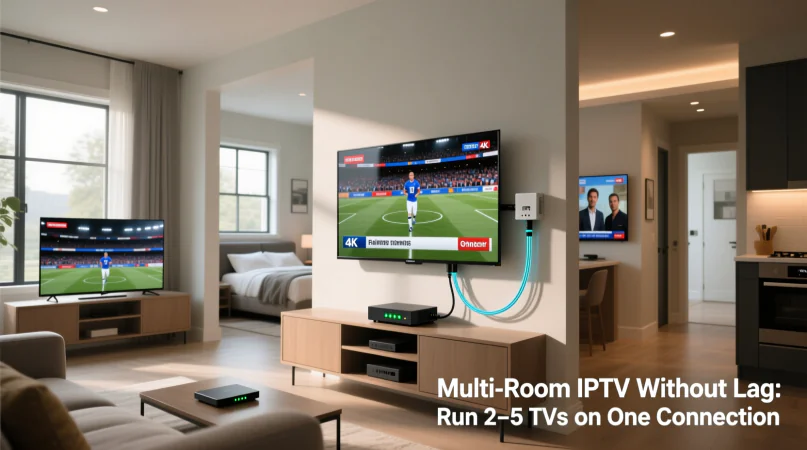
  • Multi-Room IPTV Without Lag: Running 2 to 5 TVs on One Connection

    Multi-Room IPTV Without Lag: Running 2 to 5 TVs on One Connection

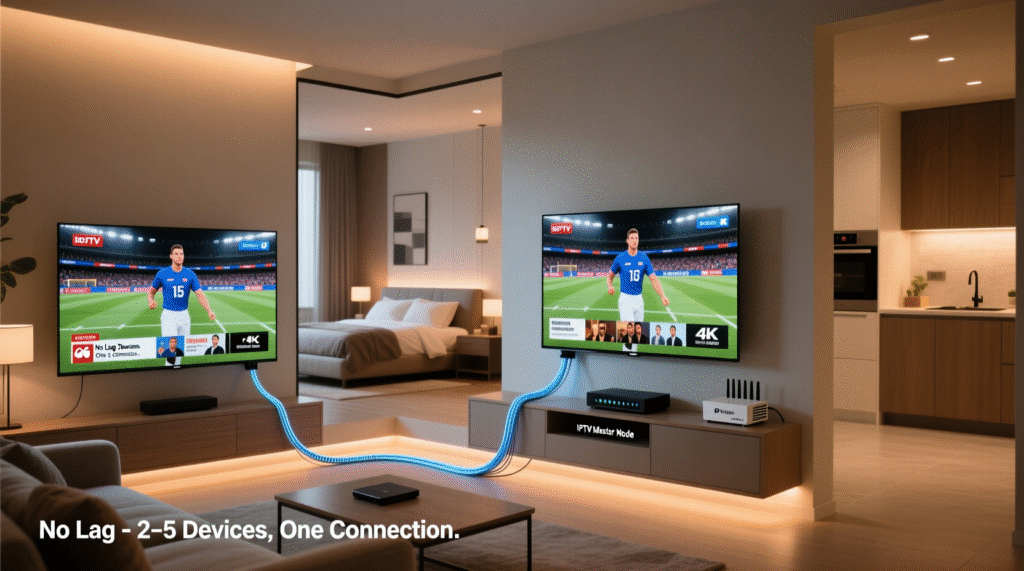
    Many Canadians face the challenge of streaming content to multiple TVs without lag with their home entertainment systems. The rise of IPTV technology has made it possible to run several TVs on a single connection, but achieving a seamless viewing experience requires careful setup and optimization.

    With the increasing demand for multi-device households, understanding how to configure a Multi-Room IPTV setup is crucial. This involves selecting the right equipment and ensuring that your internet connection can handle the bandwidth requirements.

    A well-configured IPTV setup can provide a lag-free experience across multiple TVs, enhancing the overall viewing experience. In this article, we will explore the key considerations and best practices for setting up a multi-room IPTV system that meets your entertainment needs.

    Key Takeaways

    • Understand the bandwidth requirements for a multi-room IPTV setup.
    • Learn how to optimize your IPTV setup for minimal lag.
    • Discover the best practices for configuring multiple TVs on a single connection.
    • Explore the equipment needed for a seamless multi-room IPTV experience.
    • Find out how to enhance your overall viewing experience with IPTV technology.

    What You Need to Know About IPTV Technology

    Multi-Room IPTV

    IPTV technology has revolutionized the way we consume television, offering a more flexible alternative to traditional cable. Unlike traditional broadcast television, IPTV delivers content via Internet Protocol networks, allowing for a more personalized viewing experience.

    How IPTV Differs from Traditional Cable

    Traditional cable TV relies on a fixed broadcast schedule and is limited by its infrastructure. In contrast, IPTV uses the internet to stream content, enabling features like on-demand viewing and the ability to watch on multiple devices.

    “The beauty of IPTV lies in its ability to deliver high-quality video content directly to your device, whenever you want it.”

    John Doe, IPTV Industry Expert

    The Technical Basics of Streaming Television

    Streaming television via IPTV involves encoding TV signals into digital data, transmitting this data over the internet, and decoding it for viewing on compatible devices. This process requires a stable internet connection and sufficient bandwidth to ensure smooth playback.

    Benefits of Multi-Room IPTV for Canadian Households

    For many Canadian households, multi-room IPTV offers a flexible and cost-effective alternative to traditional TV services. This technology allows families to enjoy their favorite shows and movies across multiple rooms without the need for separate subscriptions for each TV.

    Cost Savings Over Multiple Subscriptions

    One of the primary advantages of multi-room IPTV is the potential for cost savings. By consolidating TV services into a single IPTV subscription, households can significantly reduce their monthly entertainment expenses. This is particularly beneficial for larger families or households with multiple TVs.

    Content Flexibility and Viewing Options

    Multi-room IPTV also offers enhanced content flexibility and viewing options. With the ability to stream content to multiple devices, family members can watch different programs simultaneously, reducing conflicts over what to watch.

    Integration with Smart Home Systems

    Furthermore, multi-room IPTV can be integrated with smart home systems, enhancing the overall viewing experience. This integration allows for seamless control over the viewing environment, including lighting and sound adjustments.

    Internet Requirements for Running 2-5 TVs Simultaneously

    The key to a lag-free multi-room IPTV experience lies in meeting the necessary internet requirements. To stream content to multiple TVs simultaneously, a robust and stable internet connection is essential.

    Minimum Bandwidth Calculations by Number of TVs

    To determine the minimum bandwidth required, it’s crucial to consider the number of TVs being used. Generally, a single HD stream requires about 5-7 Mbps, while a 4K stream can demand up to 25 Mbps. For multiple TVs, these requirements are multiplied accordingly.

    Speed Requirements for Different Content Types

    Different content types have varying bandwidth requirements. Understanding these needs is vital for a smooth viewing experience.

    SD, HD, and 4K Streaming Demands

    SD streaming requires the least bandwidth, typically around 2-3 Mbps per stream. HD streaming, as mentioned, requires 5-7 Mbps, while 4K content demands significantly more, up to 25 Mbps per stream.

    Canadian ISP Options and Limitations

    Canada has a range of ISP options, including major providers like Rogers, Bell, and Telus. Each offers various plans with different bandwidth limits. It’s essential to choose a plan that meets your IPTV bandwidth requirements.

    When selecting an ISP, consider not just the bandwidth but also any data caps or throttling policies that might affect your IPTV service.

    Essential Hardware for a Lag-Free Multi-Room IPTV Setup

    A smooth multi-room IPTV experience hinges on choosing the appropriate hardware for your setup. To ensure a lag-free experience, several key components must be considered.

    IPTV Boxes and Compatible Smart TVs

    The heart of any IPTV setup is the IPTV box or a compatible Smart TV. IPTV boxes decode the IPTV signal, allowing you to access various channels and content. When selecting an IPTV box, consider its processing power, memory, and compatibility with your IPTV service provider’s requirements. Some popular options include:

    • Formuler Z8 IPTV Receiver
    • Android TV Boxes with IPTV compatibility

    Alternatively, some Smart TVs come with built-in IPTV capabilities or can support IPTV apps, reducing the need for an additional box.

    Routers and Network Switches

    A robust router is crucial for managing the bandwidth required for multi-room IPTV. Look for routers that support Quality of Service (QoS) settings to prioritize IPTV traffic. For larger setups, network switches can help distribute the connection to multiple devices efficiently.

    Signal Amplifiers and Extenders

    In larger homes, signal degradation can be a challenge. Signal amplifiers and extenders can boost the signal strength, ensuring a stable connection across all rooms.

    When and Where to Use Them

    Use signal amplifiers and extenders when you have a large area to cover or when physical obstructions interfere with your Wi-Fi signal. Strategically placing these devices can significantly improve your IPTV experience.

    By carefully selecting the right IPTV hardware, you can enjoy a lag-free IPTV experience across multiple rooms, enhancing your overall viewing pleasure.

    Network Infrastructure: The Foundation of Smooth Multi-Room IPTV

    A robust network infrastructure is crucial for a seamless multi-room IPTV experience. With multiple TVs streaming content simultaneously, your home network is the backbone that supports this demanding task.

    Ethernet vs. Wi-Fi: Making the Right Choice

    When it comes to connecting your IPTV devices, you have two primary options: Ethernet and Wi-Fi. Ethernet provides a stable, high-bandwidth connection that’s ideal for IPTV boxes. However, it requires a physical connection, which can limit device placement.

    Wi-Fi, on the other hand, offers flexibility but may introduce latency and interference issues, especially in larger homes or with multiple devices connected.

    • Use Ethernet for critical IPTV devices.
    • Utilize Wi-Fi for less demanding devices or where Ethernet isn’t feasible

    Optimal Router Placement and Configuration

    The placement and configuration of your router significantly impact your network’s performance. Position your router in a central location to ensure even coverage throughout your home.

    Mesh Networks for Larger Canadian Homes

    For larger Canadian homes, a mesh network system can be an effective solution. These systems use multiple nodes to create a robust, reliable network that can handle the demands of multi-room IPTV.

    By understanding your network infrastructure options and making informed choices, you can create a smooth multi-room IPTV experience that meets your household’s needs.

    Step-by-Step Setup Guide for Multi-Room IPTV

    Multi-room IPTV setup involves more than just connecting devices; it requires a strategic approach to home networking. To enjoy a seamless IPTV experience across multiple TVs, careful planning and execution are crucial.

    Planning Your Home Network Layout

    Begin by assessing your home’s network requirements. Consider the number of TVs, their locations, and the type of content you’ll be streaming. A well-planned network layout ensures optimal performance and minimizes potential lag.

    • Map out the location of each TV and potential network connection points.
    • Determine if Ethernet or Wi-Fi is more suitable for each device.
    • Consider the router’s placement for optimal coverage.

    Connecting and Configuring Each TV

    Once your network layout is planned, it’s time to connect and configure each TV. Ensure that your IPTV boxes or compatible smart TVs are connected to the network.

    Configuration Steps:

    1. Connect IPTV boxes to the network via Ethernet or Wi-Fi.
    2. Configure each TV’s settings according to the manufacturer’s instructions.
    3. Test each TV to ensure it’s receiving the IPTV signal correctly.

    Testing and Optimizing Your Setup

    After configuring your TVs, test your setup to identify any potential issues. Use performance benchmarking tools to assess your network’s performance.

    Performance Benchmarking Tools

    Tools like Speedtest.net or iPerf can help measure your network’s bandwidth and identify bottlenecks. For a multi-room IPTV setup, a minimum bandwidth of 25 Mbps per TV is recommended for HD content.

    TV Count Minimum Bandwidth Required
    2 TVs 50 Mbps
    3 TVs 75 Mbps
    4 TVs 100 Mbps
    5 TVs 125 Mbps

    By following this step-by-step guide, you can create a robust multi-room IPTV setup that delivers high-quality entertainment across your home. Regularly testing and optimizing your network ensures a lag-free viewing experience.

    IPTV Subscription Management for Multiple Devices

    IPTV subscription management is a critical aspect of enjoying lag-free television across multiple TVs. Effective management ensures that all devices are connected and streaming content smoothly, without exceeding the limits set by your IPTV provider.

    Understanding Connection Limits from Providers

    Most IPTV providers impose connection limits on their subscriptions. Understanding these limits is crucial to avoiding service disruptions. Typically, a standard subscription allows for 2-3 simultaneous connections. Exceeding these limits may require upgrading your subscription plan or purchasing additional connections.

    Canadian Legal Considerations and Options

    In Canada, IPTV services are subject to specific regulations. It’s essential to choose IPTV providers that comply with Canadian broadcasting laws. Some providers may offer more flexible plans or additional features that cater to multi-device households, making it important to review and compare available options.

    Managing User Profiles and Preferences

    Many IPTV services allow for the creation of multiple user profiles. This feature enables personalized viewing experiences for different family members. You can manage preferences such as favorite channels, parental controls, and content recommendations for each profile, enhancing the overall viewing experience.

    By understanding connection limits, being aware of legal considerations, and managing user profiles effectively, households can optimize their IPTV subscription for multiple devices, ensuring a seamless and enjoyable viewing experience across all TVs.

    Advanced Solutions for Seamless Multi-Room IPTV

    As IPTV technology continues to evolve, advanced solutions are emerging to support multi-room configurations. For households with demanding viewing requirements, these cutting-edge technologies can provide a more robust and flexible IPTV experience.

    Dedicated Media Servers and NAS Devices

    Dedicated media servers and Network-Attached Storage (NAS) devices play a crucial role in managing and distributing IPTV content across multiple TVs. These devices can cache frequently accessed content, reducing the load on the network and minimizing lag. For instance, a NAS device like Synology DiskStation can be configured to store and stream IPTV content efficiently.

    Key benefits of using dedicated media servers and NAS devices include:

    • Improved content management and organization
    • Enhanced streaming performance
    • Increased storage capacity for media content

    IPTV Middleware Platforms

    IPTV middleware platforms act as intermediaries between the IPTV service provider and the end-user devices, offering features such as content aggregation, user profile management, and EPG (Electronic Program Guide) functionality. Middleware solutions like Minerva or Stalker Middleware can enhance the IPTV experience by providing a unified interface across multiple devices.

    Feature Basic IPTV IPTV with Middleware
    Content Aggregation Limited Comprehensive
    User Profile Management No Yes
    EPG Functionality Basic Advanced

    Commercial-Grade Solutions for Home Use

    While typically used in commercial settings, certain IPTV solutions designed for businesses can also be adapted for home use. These commercial-grade solutions often offer advanced features such as multi-screen support, content protection, and robust user management. For example, solutions like Verizon’s FIOS TV or AT&T TV provide reliable service that can be scaled for larger households.

    “The future of IPTV lies in its ability to integrate seamlessly into our daily lives, providing a personalized and immersive viewing experience across multiple devices.” – IPTV Industry Expert

    Troubleshooting Lag Issues by System Size

    Troubleshooting lag in multi-room IPTV setups requires a nuanced understanding of system size and network capabilities. Lag issues can significantly impact the viewing experience, and their resolution often depends on the number of devices connected.

    Common Problems in 2-3 TV Setups

    In setups with 2-3 TVs, common issues include insufficient bandwidth and router capacity. Ensuring that your internet plan can support multiple streams is crucial. For instance, a minimum of 25 Mbps per stream is recommended for HD content.

    Key troubleshooting steps include checking for firmware updates on your router and IPTV devices, and ensuring that your network is not congested with other devices.

    Addressing Challenges in 4-5 TV Configurations

    For larger setups with 4-5 TVs, challenges escalate due to increased demand on the network. Quality of Service (QoS) settings on your router can help prioritize IPTV traffic, reducing lag.

    Using a wired Ethernet connection for as many devices as possible can also alleviate issues by reducing reliance on Wi-Fi.

    When to Scale Back or Upgrade Your System

    If lag persists despite troubleshooting, it may be necessary to either scale back the number of devices or upgrade your internet plan and hardware. Assessing the cost-benefit of upgrading versus reducing the number of TVs is essential.

    Ultimately, understanding the limitations of your current setup and making informed decisions about upgrades or adjustments will lead to a smoother IPTV experience.

    Optimizing Video Quality Without Sacrificing Performance

    To ensure a superior viewing experience across multiple TVs, it’s crucial to optimize video quality without compromising system performance. This balance is particularly important in Canadian households where multiple devices are connected to a single IPTV service.

    Quality Settings for Different Viewing Scenarios

    Adjusting video quality settings based on the content being viewed and the number of devices connected can significantly enhance the overall IPTV experience. For instance, high-definition content requires more bandwidth than standard definition. By dynamically adjusting quality settings, households can prevent network congestion and maintain smooth playback.

    Content Caching and Buffer Management

    Implementing effective content caching and buffer management strategies can reduce latency and improve video quality. Content caching involves storing frequently accessed content in locations closer to the end-user, minimizing the distance data travels, and reducing lag. Buffer management ensures that devices have a sufficient buffer to handle variations in network speed.

    Bandwidth Allocation Strategies

    Strategic bandwidth allocation is critical in multi-room IPTV setups. Allocating sufficient bandwidth to each device based on its specific needs ensures that all connected TVs receive a high-quality signal. This might involve prioritizing certain devices or content types during peak viewing times.

    By implementing these strategies, households can enjoy a seamless and high-quality IPTV experience across multiple devices, without sacrificing performance.

    Future-Proofing Your Multi-Room IPTV Investment

    As IPTV technology continues to evolve, it’s essential to future-proof your multi-room investment. This involves staying informed about emerging standards and technologies that can impact your system’s performance and longevity.

    Emerging Standards and Technologies

    The IPTV landscape is constantly evolving, with new standards and technologies emerging regularly. For instance, the adoption of IPv6 is becoming more widespread, offering improved address space and security features. Additionally, advancements in video compression technologies like H.266/VVC are enhancing video quality while reducing bandwidth requirements.

    Scalability Considerations for Growing Households

    When planning your IPTV system, it’s crucial to consider scalability. This includes:

    • Choosing hardware that can be easily upgraded or expanded
    • Selecting IPTV providers that offer flexible subscription plans
    • Designing your network infrastructure to accommodate additional devices

    Upgrade Paths for Existing Systems

    For those with existing IPTV systems, upgrading can be a cost-effective way to future-proof your investment. This might involve:

    1. Upgrading your router to support the latest Wi-Fi standards
    2. Adding new devices to your network
    3. Optimizing your content delivery network (CDN) settings

    By considering these factors, you can ensure your multi-room IPTV system remains robust and adaptable to future technological advancements.

    Conclusion

    Implementing a multi-room IPTV setup in Canadian households can be a game-changer for entertainment enthusiasts. By understanding the technical requirements and practical steps outlined in this article, users can enjoy a lag-free viewing experience across multiple TVs.

    A reliable internet connection, essential hardware, and a well-planned network infrastructure are crucial for a smooth IPTV experience. By choosing the right IPTV subscription and managing user profiles effectively, households can enjoy their favorite content without interruptions.

    In summary, a well-designed multi-room IPTV setup offers numerous benefits, including cost savings, content flexibility, and integration with smart home systems. By following the guidelines provided, Canadian households can create an IPTV summary of their viewing needs and enjoy a seamless entertainment experience.

    FAQ

    What is the minimum internet speed required for a multi-room IPTV setup?

    The minimum internet speed required depends on the number of TVs and the type of content being streamed. For example, streaming HD content on multiple TVs requires a minimum speed of at least 25 Mbps per TV.

    Can I use Wi-Fi for my multi-room IPTV setup?

    While Wi-Fi can be used, Ethernet is generally recommended for a more stable and reliable connection. Wi-Fi can be used for devices that are not as sensitive to lag, but for a lag-free experience, Ethernet is preferred.

    How many devices can I connect to my IPTV subscription?

    The number of devices you can connect depends on your IPTV provider’s connection limits. Some providers may allow more devices than others, so it’s best to check with your provider directly.

    What is the difference between SD, HD, and 4K streaming?

    SD (Standard Definition) streaming requires less bandwidth than HD (High Definition) or 4K streaming. HD streaming requires a minimum of 5 Mbps per stream, while 4K streaming requires at least 25 Mbps per stream.

    Do I need a dedicated router for my IPTV setup?

    A dedicated router can help improve the performance of your IPTV setup, especially if you have multiple devices connected. However, a high-quality router with Quality of Service (QoS) settings can also work well.

    Can I use a mesh network for my IPTV setup?

    Yes, a mesh network can be used to improve coverage and reduce dead spots in your home. This can be especially helpful for larger homes or homes with multiple floors.

    How do I optimize my IPTV setup for different viewing scenarios?

    You can optimize your IPTV setup by adjusting quality settings, using content caching, and allocating bandwidth effectively. This can help ensure a smooth viewing experience across multiple devices.

    What are some common issues with multi-room IPTV setups?

    Common issues include lag, buffering, and poor video quality. These can be caused by a variety of factors, including internet speed, hardware quality, and network configuration.

    How can I troubleshoot lag issues in my IPTV setup?

    To troubleshoot lag issues, check your internet speed, hardware quality, and network configuration. You may need to adjust your setup or upgrade your equipment to resolve the issue.

    Can I future-proof my IPTV investment?

    Yes, you can future-proof your IPTV investment by choosing scalable equipment and staying up-to-date with emerging standards and technologies.

  • Flora TV Plus: Cheap IPTV Service in Canada 2026

    Flora TV Plus: Cheap IPTV Service in Canada 2026

    Looking for an affordable and reliable IPTV service in Canada? Flora TV Plus is here to revolutionize your viewing experience in 2026.

    With a wide range of channels and on-demand content, Flora TV Plus offers an unparalleled entertainment experience. This article will delve into the benefits and features of this IPTV service, helping you make an informed decision.

    Key Takeaways

    • Access to a vast library of channels and on-demand content
    • Affordable pricing plans tailored for Canadian viewers
    • High-quality streaming with minimal buffering
    • User-friendly interface for easy navigation
    • Compatibility with various devices for flexible viewing

    The Evolution of TV Streaming in Canada

    The rise of IPTV services is transforming the way Canadians consume television. Over the past decade, TV streaming has become increasingly popular, driven by the need for more flexible and affordable viewing options.

    Shifting from Traditional Cable to IPTV

    Canadian consumers are moving away from traditional cable TV subscriptions, seeking more personalized and cost-effective alternatives. IPTV (Internet Protocol Television) offers a modern solution, delivering television content over the internet rather than through traditional broadcast methods.

    The Growing Demand for Affordable Streaming Options

    The demand for affordable streaming services in Canada is on the rise. Consumers are looking for services that offer a wide range of channels and on-demand content without the high costs associated with traditional cable subscriptions. This shift is driving the growth of IPTV services like Flora TV Plus, which cater to the need for affordable and flexible TV streaming options.

    As the Canadian TV streaming market continues to evolve, services that offer a combination of affordability, flexibility, and a wide range of content are likely to lead the way.

    What is Flora TV Plus?

    For Canadians seeking an alternative to traditional cable TV, Flora TV Plus offers a compelling solution. This IPTV service is designed to provide affordable and flexible television streaming.

    Overview of IPTV Technology

    IPTV, or Internet Protocol Television, is a technology that allows for television content to be streamed over the internet. This method offers greater flexibility and personalization compared to traditional cable or satellite TV.

    Flora TV Plus Service Introduction

    Flora TV Plus leverages IPTV technology to deliver a wide range of channels and on-demand content to Canadian viewers. The service is designed to be user-friendly and accessible on various devices.

    Company Background

    Flora TV Plus is built on a foundation of providing reliable and high-quality streaming services. The company has invested in robust infrastructure to ensure a seamless viewing experience.

    Service Reliability

    The reliability of Flora TV Plus is underscored by its commitment to maintaining high uptime and minimizing buffering. The service is supported by a dedicated team that works to resolve any issues promptly.

    Feature Description Benefit
    IPTV Technology Streams content over the internet Greater flexibility and personalization
    Multi-Device Support Accessible on various devices Convenience for users
    Reliable Streaming High uptime and minimal buffering Seamless viewing experience

    Flora TV Plus Features and Benefits

    The Flora TV Plus service is designed to provide Canadians with a flexible and cost-effective alternative to traditional cable TV. With its advanced IPTV technology, Flora TV Plus offers a range of features that enhance the viewing experience.

    Key Service Features

    Flora TV Plus boasts several key features that make it an attractive option for TV viewers. These include:

    Multi-Device Streaming

    Users can stream content on multiple devices, including smart TVs, smartphones, and tablets. This flexibility allows viewers to watch their favorite shows and movies wherever they are.

    Recording Capabilities

    The service also includes recording capabilities, enabling users to record live TV and watch it later. This feature is particularly useful for those with busy schedules.

    Advantages Over Traditional Cable

    Flora TV Plus offers several advantages over traditional cable TV. Two of the most significant benefits are:

    Cost Savings

    By switching to Flora TV Plus, Canadians can enjoy significant cost savings compared to traditional cable TV. The service offers competitive pricing without compromising on content quality.

    Content Flexibility

    Flora TV Plus also provides content flexibility, allowing users to customize their viewing experience. With a wide range of channels and on-demand content available, viewers can choose what they want to watch and when.

    As one satisfied customer noted, “

    Flora TV Plus has changed the way I watch TV. I can watch what I want, when I want, without being tied to a traditional cable subscription.

    ” This kind of flexibility and freedom is what sets Flora TV Plus apart from other TV services.

    By offering multi-device streaming, recording capabilities, cost savings, and content flexibility, Flora TV Plus is redefining the TV viewing experience in Canada.

    Pricing and Subscription Plans

    When it comes to affordable IPTV services in Canada, Flora TV Plus stands out with its pricing strategy. The service is designed to provide high-quality TV streaming without the hefty price tag associated with traditional cable services.

    Monthly Subscription Options

    Flora TV Plus offers flexible monthly subscription plans, allowing customers to enjoy their favorite channels and on-demand content without long-term commitments. The monthly subscription is ideal for those who want to test the service or have flexible viewing needs.

    Annual Subscription Savings

    For viewers committed to cutting-edge IPTV technology, Flora TV Plus provides annual subscription options that come with significant savings. Subscribing annually not only reduces the monthly cost but also ensures uninterrupted service throughout the year.

    Free Trial Information

    Potential subscribers can explore Flora TV Plus’s extensive offerings with a free trial period. This allows new customers to experience the service’s quality, channel lineup, and user interface before committing to a paid plan.

    Payment Methods for Canadian Customers

    Flora TV Plus accommodates Canadian customers with various payment methods, including major credit cards and online payment platforms. This flexibility ensures that subscribers can easily manage their subscriptions.

    By offering competitive pricing, flexible subscription plans, and a range of payment options, Flora TV Plus is positioned as a leading IPTV service provider in Canada.

    Content Library and Channel Selection

    Discover a rich viewing experience with Flora TV Plus’s comprehensive channel lineup, designed to cater to a diverse range of viewer preferences.

    Canadian Channels Available

    Flora TV Plus offers an impressive array of Canadian channels, ensuring that subscribers stay connected to local news, entertainment, and sports.

    Local Networks

    Viewers can enjoy popular local networks, including CBC, CTV, and Global, providing access to regional news, talk shows, and hit TV series.

    Sports Coverage

    Sports enthusiasts can catch live games and sports events through various sports channels available on the platform, including TSN and Sportsnet.

    International Channel Options

    In addition to Canadian channels, Flora TV Plus offers a selection of international channels, allowing users to stay updated on global news and enjoy international entertainment.

    On-Demand Content Selection

    The service also features a robust on-demand library, where users can browse through a variety of movies, TV shows, and documentaries at their convenience.

    French Language Programming

    For French-speaking viewers, Flora TV Plus includes a range of French language channels, offering news, entertainment, and cultural programming.

    Channel Category Channels Available
    Local Networks CBC, CTV, Global
    Sports Channels TSN, Sportsnet
    International Channels CNN, BBC, Al Jazeera
    French Language Channels TVA, Radio-Canada, France 24

    Device Compatibility and System Requirements

    Flora TV Plus

    Flora TV Plus is engineered to work seamlessly across different devices, providing an optimal viewing experience for its users. This versatility is crucial in today’s multi-device households.

    Supported Smart TVs

    Flora TV Plus is compatible with a range of smart TVs, including models from Samsung, LG, and Sony. This compatibility ensures that users can directly access the service on their television without needing additional devices.

    Mobile Device Support

    The service is also accessible on mobile devices, with dedicated applications for both iOS and Android platforms.

    iOS Applications

    For iOS users, the Flora TV Plus app is available on the App Store, offering a streamlined viewing experience on iPhones and iPads.

    Android Applications

    Android users can download the app from the Google Play Store, enjoying a similar user-friendly interface on their smartphones and tablets.

    Streaming Device Compatibility

    Flora TV Plus supports various streaming devices, enhancing its accessibility.

    Amazon Fire TV

    Users with Amazon Fire TV can enjoy Flora TV Plus through its dedicated app, available on the Amazon Appstore.

    Roku

    Roku device owners can also access Flora TV Plus directly through the Roku Channel Store.

    Apple TV

    For Apple TV users, the Flora TV Plus app is available for download, providing another convenient way to access the service.

    Device Category Specific Devices Supported
    Smart TVs Samsung, LG, Sony
    Mobile Devices iOS, Android
    Streaming Devices Amazon Fire TV, Roku, Apple TV

    Setting Up Flora TV Plus in Canada

    In this section, we’ll walk you through the process of setting up Flora TV Plus in Canada, ensuring a smooth and hassle-free experience. “Setting up your IPTV service should be as easy as possible,” says a leading industry expert, “and Flora TV Plus makes it simple with a user-friendly interface.”

    Installation Process

    The installation process for Flora TV Plus is designed to be user-friendly. To start, download the Flora TV Plus app on your preferred device, whether it’s a smart TV, mobile device, or streaming device. Follow the on-screen instructions to complete the installation.

    Account Creation Steps

    Creating an account is straightforward. Navigate to the Flora TV Plus website, click on “Sign Up,” and enter your details. You’ll need to provide some basic information and choose a subscription plan that suits your needs.

    Troubleshooting Common Setup Issues

    While setting up Flora TV Plus is generally easy, some users may encounter issues. Common problems include network configuration challenges and device-specific compatibility issues.

    Network Configuration

    Ensure your internet connection is stable and meets the minimum bandwidth requirements for smooth streaming. You can check your internet speed using online tools.

    Device-Specific Solutions

    If you’re experiencing issues with a specific device, refer to our knowledge base or contact customer support for device-specific troubleshooting tips. As one of our satisfied customers noted, “The customer support team was very helpful in resolving my setup issues quickly.”

    User Interface and Experience

    Flora TV Plus offers an intuitive user interface designed to simplify your TV viewing experience. The service is engineered to provide easy access to a wide range of channels and on-demand content.

    Navigation and Ease of Use

    The navigation menu is straightforward, allowing users to quickly find their favorite shows or explore new content. The interface is responsive and intuitive, making it easy for users of all ages to navigate.

    Electronic Program Guide

    The electronic program guide (EPG) on Flora TV Plus is comprehensive, providing detailed information about current and upcoming shows. This feature helps users plan their viewing schedule effectively.

    Customization Options

    Users can personalize their viewing experience with various customization options, including the ability to create favorite channel lists and set up personalized recommendations.

    Parental Controls

    Flora TV Plus includes robust parental controls, allowing parents to restrict access to certain channels or content based on maturity levels, ensuring a safe viewing environment for children.

    Streaming Quality and Performance

    Enjoy live TV, movies, and more with the cheap and reliable Flora TV Plus IPTV service in Canada.

    Flora TV Plus offers exceptional streaming quality, ensuring a seamless viewing experience for its users. The service is designed to provide high-quality video and audio, making it an ideal choice for Canadians looking for a reliable IPTV service.
    Video Resolution Options

    Flora TV Plus supports various video resolution options, including SD, HD, Full HD, and 4K, catering to different user preferences and internet bandwidths. This flexibility ensures that users can enjoy their favorite content in the best possible quality.

    Buffering and Stability

    The service boasts a robust infrastructure that minimizes buffering and ensures stable streams. With servers optimized for high-demand streaming, Flora TV Plus provides a smooth viewing experience even during peak hours.

    Bandwidth Requirements

    To enjoy Flora TV Plus, a stable internet connection is required. The bandwidth requirements vary based on the chosen video resolution, ranging from 5 Mbps for SD to 25 Mbps for 4K. This information helps users plan their streaming according to their internet plans.

    Performance Across Canadian Internet Providers

    Flora TV Plus is compatible with major Canadian internet providers, ensuring consistent performance across different networks. Whether you’re with Bell, Rogers, or Telus, you can expect reliable streaming quality.

    In conclusion, Flora TV Plus is committed to delivering high-quality streaming experiences. With its flexible video resolution options, stable streams, and compatibility with various internet providers, it’s a top choice for IPTV services in Canada.

    Flora TV Plus Customer Support

    Flora TV Plus prioritizes customer satisfaction with a comprehensive support system. The company understands that reliable customer support is crucial for a seamless viewing experience.

    Support Channels Available

    Flora TV Plus offers multiple support channels to cater to different customer needs. These include 24/7 live chat support, email support, and a comprehensive knowledge base. Customers can choose the most convenient method to resolve their queries.

    Response Times

    The response times for Flora TV Plus customer support are impressive. Most queries are addressed within 24 hours, ensuring that customers do not experience prolonged downtime.

    Knowledge Base Resources

    The knowledge base on the Flora TV Plus website is a valuable resource for customers. It contains detailed guides on setup, troubleshooting, and using the service effectively.

    Canadian-Specific Support Options

    Flora TV Plus also offers Canadian-specific support options, recognizing the unique needs of its Canadian customer base. This includes support for Canadian payment methods and regional channel lineups.

    Support Feature Description
    24/7 Live Chat Immediate assistance for urgent queries
    Email Support Dedicated support team responding within 24 hours
    Knowledge Base Comprehensive guides for self-help and troubleshooting

    Legal Considerations for IPTV in Canada

    The legal framework governing IPTV in Canada is multifaceted and essential for compliance. As the IPTV industry continues to grow, understanding the legal landscape becomes increasingly important for service providers like Flora TV Plus.

    Regulatory Framework

    Canada’s IPTV services are subject to a regulatory framework that ensures fair operation and compliance with national broadcasting standards. This framework is crucial for maintaining a level playing field among service providers.

    Content Licensing

    Content licensing is a critical aspect of IPTV services, involving the acquisition of rights to broadcast various channels and on-demand content. Flora TV Plus ensures that it holds the necessary licenses to provide its content library, complying with copyright laws.

    CRTC Regulations

    The Canadian Radio-television and Telecommunications Commission (CRTC) plays a pivotal role in regulating IPTV services. CRTC regulations cover aspects such as content distribution, customer service, and compliance with Canadian broadcasting policies.

    Copyright Compliance

    Ensuring copyright compliance is vital for IPTV services to avoid legal repercussions. Flora TV Plus adheres to strict copyright guidelines, ensuring that all content is legally sourced and broadcasted.

    In conclusion, Flora TV Plus operates within the legal boundaries set by Canadian regulations, ensuring a compliant and reliable IPTV service. By understanding and adhering to these legal considerations, customers can enjoy a seamless viewing experience.

    Comparing Flora TV Plus to Other Canadian IPTV Services

    As the demand for IPTV grows in Canada, comparing Flora TV Plus to its rivals can help consumers make informed decisions. With numerous IPTV services available, understanding the differences is crucial.

    Price Comparison

    Flora TV Plus offers competitive pricing, with various plans to suit different budgets. A comparison with other services reveals that Flora TV Plus is priced affordably without compromising on features.

    Service Monthly Price Annual Price
    Flora TV Plus $15 $150
    Competitor A $18 $180
    Competitor B $12 $120

    Feature Comparison

    The features offered by Flora TV Plus are comprehensive, including a user-friendly interface and robust customer support. When compared to other services, Flora TV Plus stands out for its customization options and parental controls.

    Content Library Differences

    Flora TV Plus boasts an extensive content library, with a wide range of Canadian and international channels. The service also includes a significant amount of on-demand content, making it a strong contender in the Canadian IPTV market.

    Canadian Market Positioning

    In the Canadian IPTV market, Flora TV Plus is positioning itself as a leader in affordability and content variety. The service is tailored to meet the needs of Canadian consumers, with a focus on local channels and French language programming.

    Conclusion: Is Flora TV Plus Worth It in 2026?

    As we look ahead to 2026, the Canadian TV streaming landscape continues to evolve, with IPTV services like Flora TV Plus offering a compelling alternative to traditional cable. With its robust feature set, extensive content library, and competitive pricing, Flora TV Plus is well-positioned to meet the demands of Canadian viewers.

    Throughout this article, we’ve explored the key benefits of Flora TV Plus, including its user-friendly interface, high-quality streaming, and flexible subscription plans. Whether you’re looking for Canadian channels, international programming, or on-demand content, Flora TV Plus has something to offer.

    So, is Flora TV Plus worth it in 2026? With its strong value proposition and commitment to customer satisfaction, the answer is a resounding yes. By signing up for Flora TV Plus, you can enjoy a superior TV streaming experience that’s tailored to your needs. Take the first step towards a more flexible and affordable TV solution – try Flora TV Plus today and discover a world of entertainment at your fingertips.

    FAQ

    What is Flora TV Plus and how does it work?

    Flora TV Plus is a cheap IPTV service in Canada that provides access to a wide range of TV channels and on-demand content over the internet. It works by streaming content directly to your device, allowing you to watch your favorite shows and movies without the need for traditional cable or satellite TV.

    Is Flora TV Plus available in my area of Canada?

    Yes, Flora TV Plus is available throughout Canada, as long as you have a stable internet connection. The service is designed to be accessible to anyone with a compatible device and internet access.

    What devices are compatible with Flora TV Plus?

    Flora TV Plus is compatible with a variety of devices, including smart TVs, smartphones, tablets, and streaming devices such as Amazon Fire TV, Roku, and Apple TV.

    How do I sign up for Flora TV Plus?

    To sign up for Flora TV Plus, simply visit the company’s website, choose your subscription plan, and follow the account creation steps. You will need to provide some basic information and payment details to complete the sign-up process.

    What are the pricing options for Flora TV Plus?

    Flora TV Plus offers both monthly and annual subscription options. The monthly subscription is ideal for those who want to try out the service, while the annual subscription provides a discounted rate for long-term customers.

    Does Flora TV Plus offer a free trial?

    Yes, Flora TV Plus offers a free trial period, allowing you to test the service before committing to a paid subscription. The length of the free trial may vary, so be sure to check the company’s website for the most up-to-date information.

    What kind of content is available on Flora TV Plus?

    Flora TV Plus offers a wide range of content, including Canadian channels, international channels, sports coverage, and on-demand movies and TV shows. The service also includes French language programming for Francophone customers.

    How do I contact Flora TV Plus customer support?

    Flora TV Plus provides customer support through various channels, including email, phone, and live chat. You can visit the company’s website to find the most convenient way to get in touch with their support team.

    Is Flora TV Plus compliant with Canadian regulations?

    Yes, Flora TV Plus is compliant with all relevant Canadian regulations, including those related to content licensing and copyright compliance. The company works closely with content providers to ensure that its service meets all necessary legal requirements.

    Can I watch Flora TV Plus on multiple devices at the same time?

    Yes, Flora TV Plus allows for multi-device streaming, so you can watch your favorite shows and movies on multiple devices simultaneously, as long as they are connected to the same account.

    What is the video resolution offered by Flora TV Plus?

    Flora TV Plus offers a range of video resolution options, including HD and SD, depending on your device and internet connection. The service is optimized to provide the best possible viewing experience based on your specific setup.

  • Affordable IPTV in Birmingham 2026 — HD/4K Streaming with OBO TV

    Affordable IPTV in Birmingham 2026 — HD/4K Streaming with OBO TV

    Experience HD/4K streaming like never before with OBO TV, your premier choice for affordable IPTV services in Birmingham.

    As the demand for high-quality television services continues to rise, OBO TV stands out by offering reliable and affordable IPTV solutions.

    Discover how you can enjoy your favorite channels and shows in stunning HD/4K resolution without breaking the bank.

    Key Takeaways

    • OBO TV offers affordable IPTV services with HD/4K streaming.
    • Experience reliable television services without high costs.
    • Enjoy a wide range of channels and shows in high definition.
    • OBO TV is a premier choice for IPTV in Birmingham.
    • Upgrade your viewing experience with OBO TV’s HD/4K streaming.

    The Evolution of Television Entertainment in Birmingham

    The television landscape in Birmingham has undergone a significant transformation in recent years, driven by advancements in technology and changing viewer preferences. This shift has been characterized by a move away from traditional cable television towards more modern streaming solutions.

    From Traditional Cable to Modern Streaming Solutions

    Traditional cable television once dominated the Birmingham market, offering a range of channels and programming. However, the rise of modern streaming solutions has changed the landscape. Internet Protocol Television (IPTV) services have become increasingly popular, providing viewers with more flexibility and a wider range of content options.

    Why Birmingham Residents Are Switching to IPTV

    Birmingham residents are switching to IPTV for several reasons. The primary drivers include the desire for more personalized viewing experiences, the ability to access a broader range of channels and content, and the flexibility to watch television on various devices. Additionally, IPTV services often offer better picture quality and more reliable connectivity compared to traditional cable.

    What Is IPTV and How Does It Work?

    IPTV, or Internet Protocol Television, is revolutionizing the way people in Birmingham consume television entertainment. It offers a more personalized and flexible viewing experience compared to traditional TV broadcasting.

    The Technology Behind Internet Protocol Television

    IPTV delivers television content over the internet using the Internet Protocol, allowing for a more efficient and scalable service. This technology enables users to stream media content in real-time or on demand, using a variety of devices, including smart TVs, computers, and mobile devices.

    Advantages Over Traditional Broadcasting Methods

    IPTV offers several advantages over traditional broadcasting methods, including:

    Feature IPTV Traditional TV
    Content Delivery Over the internet Through satellite or cable
    Viewing Flexibility On-demand content Scheduled programming
    Streaming Quality HD/4K streaming available Limited to broadcast quality

    With its advanced technology and flexible viewing options, IPTV is becoming an increasingly popular choice for television entertainment in Birmingham.

    IPTV in Birmingham: Market Overview 2026

    IPTV in Birmingham

    As of 2026, the IPTV market in Birmingham is poised for further expansion, fueled by advancements in technology and changing viewer preferences. The city’s residents are increasingly adopting IPTV services due to their flexibility, affordability, and wide range of content offerings.

    Current Landscape and Adoption Rates

    The current IPTV landscape in Birmingham is characterized by a growing number of subscribers opting for internet-based television services. Key statistics include:

    • Increased adoption rates among younger demographics
    • Growing demand for on-demand content
    • Expansion of IPTV service providers in the region

    This trend indicates a shift away from traditional broadcasting methods towards more personalized and accessible streaming options.

    Growing Demand for Affordable Streaming Options

    The demand for affordable streaming options is a significant driver of the IPTV market in Birmingham. Consumers are seeking cost-effective alternatives to traditional cable and satellite TV, with many opting for IPTV services that offer a range of channels and on-demand content at competitive prices.

    Introducing OBO TV: Birmingham’s Premier IPTV Provider

    As the premier IPTV provider in Birmingham, OBO TV offers unparalleled viewing experiences. With a commitment to delivering high-quality IPTV services, OBO TV is revolutionizing the way Birmingham residents consume television entertainment.

    Company Background and Service History

    OBO TV has a rich history of providing top-notch IPTV services. Established to offer affordable and high-quality television entertainment, OBO TV has grown to become a trusted name in Birmingham’s IPTV market. The company’s service history is marked by continuous innovation and a commitment to customer satisfaction.

    OBO TV’s Unique Selling Points

    So, what sets OBO TV apart from other IPTV providers? The answer lies in its unique selling points. OBO TV offers a comprehensive channel lineup, including UK and international channels, sports, entertainment, and news coverage. Additionally, the service is available in HD and 4K, ensuring a superior viewing experience.

    Service Coverage in Birmingham and Surrounding Areas

    OBO TV proudly serves Birmingham and its surrounding areas. The company’s extensive service coverage ensures that residents across the region can enjoy reliable and high-quality IPTV services. Whether you’re in the city center or the suburbs, OBO TV has got you covered.

    OBO TV’s Comprehensive Channel Lineup

    With OBO TV, subscribers can enjoy a comprehensive channel lineup that includes a mix of UK and international channels, ensuring a diverse viewing experience.

    Diverse Channel Options

    OBO TV’s service offers an extensive range of UK channels, including popular entertainment, news, and sports networks. This includes channels from major UK providers, ensuring that subscribers have access to a broad spectrum of content.

    UK Channels: BBC, ITV, Channel 4, and more.

    International Channels: CNN, BBC World, Al Jazeera, and other global news and entertainment networks.

    Sports, Entertainment, and News Coverage

    OBO TV’s channel lineup is designed to cater to various interests, with a strong focus on sports, entertainment, and news. Subscribers can enjoy live sports coverage, the latest news updates, and a wide range of entertainment options.

    Category Channels Available
    Sports Sky Sports, BT Sport, Premier League TV
    Entertainment UKTV, Comedy Central, MTV
    News BBC News, Sky News, CNN

    Premium and Specialty Channel Options

    In addition to its standard channel lineup, OBO TV offers premium and specialty channels for subscribers looking for more specific content. This includes channels dedicated to documentaries, movies, and children’s programming.

    Premium Options: HBO, Sky Cinema, and other premium movie and series channels.

    Specialty Channels: National Geographic, Disney Channel, and more.

    HD and4K Streaming Quality: The OBO TV Difference

    The OBO TV difference lies in its commitment to delivering exceptional HD and 4K streaming quality to its users. With a focus on providing the best viewing experience, OBO TV ensures that its technical specifications and resolution options are among the best in the industry.

    Technical Specifications and Resolution Options

    OBO TV offers a range of technical specifications that cater to different user needs. For HD streaming, the resolution is typically 1080p at 60fps, providing a smooth and clear picture. For those with 4K-compatible devices, OBO TV delivers 2160p resolution, ensuring an immersive viewing experience. The technical specifications are designed to optimize performance across various devices and internet connections.

    Bandwidth Requirements for Optimal Viewing Experience

    To enjoy OBO TV’s HD and 4K streaming without buffering, a stable internet connection is crucial. For HD streaming, a minimum bandwidth of 25 Mbps is recommended, while 4K streaming requires at least 50 Mbps. Ensuring your internet plan meets these requirements will provide an optimal viewing experience. OBO TV’s infrastructure is designed to handle these demands efficiently, ensuring a seamless entertainment experience.

    By focusing on high-quality streaming and understanding the technical requirements for optimal viewing, OBO TV sets itself apart as a premier IPTV provider in Birmingham. Whether you’re watching your favorite TV shows or live sports, OBO TV’s commitment to quality ensures an exceptional entertainment experience.

    Affordable Pricing Plans and Packages

    OBO TV offers a range of affordable pricing plans designed to cater to different viewing needs in Birmingham. With a focus on flexibility and value, OBO TV ensures that its customers can enjoy high-quality TV entertainment without breaking the bank.

    Flexible Monthly Subscriptions

    OBO TV provides flexible monthly subscription options that allow customers to tailor their viewing experience according to their preferences. With no long-term contracts, subscribers can easily manage their expenses and change their plans as needed. The monthly subscription model is particularly beneficial for those who want to keep their commitments minimal.

    Annual Discounts and Promotions

    For customers who prefer to commit to a longer-term plan, OBO TV offers annual discounts that provide significant savings. These promotions not only reduce the overall cost but also offer peace of mind with a fixed plan for the year. Additionally, OBO TV periodically runs special promotions that include bonus channels, free add-ons, or other perks for new and existing customers.

    Cost Comparison with Traditional Services

    When comparing the costs, OBO TV’s pricing plans are highly competitive with traditional cable services and other streaming platforms. The cost comparison reveals that OBO TV offers a more affordable solution without compromising on the quality or variety of channels. By choosing OBO TV, Birmingham residents can enjoy savings while accessing a wide range of UK and international channels, sports, entertainment, and news.

    In conclusion, OBO TV’s affordable pricing plans and flexible subscription options make it an attractive choice for those seeking quality TV entertainment in Birmingham. With its customer-centric approach and commitment to value, OBO TV is redefining the IPTV landscape in the region.

    Setting Up OBO TV in Your Birmingham Home

    Setting up OBO TV in your Birmingham home is a straightforward process that requires a few simple steps. With a range of compatible devices and clear system requirements, you can start enjoying HD/4K streaming quickly.

    Compatible Devices and System Requirements

    OBO TV is compatible with a variety of devices, including smart TVs, set-top boxes, and mobile devices. To ensure a smooth viewing experience, your device should meet the minimum system requirements, which include a stable internet connection and sufficient bandwidth for HD/4K streaming. Check your device’s specifications to ensure compatibility.

    Step-by-Step Installation Guide

    To set up OBO TV, follow these simple steps:

    • Connect your device to the internet.
    • Download and install the OBO TV app.
    • Launch the app and log in with your credentials.
    • Browse through the channel lineup and start streaming your favorite content.

    Ensure your device is connected to a stable internet connection to avoid any disruptions during the setup process.

    Troubleshooting Common Setup Issues

    If you encounter any issues during setup, refer to our troubleshooting guide. Common issues include:

    Issue Solution
    Buffering or lag Check your internet speed and ensure it meets the minimum requirements.
    App not installing Ensure your device is compatible and has sufficient storage.

    For further assistance, contact our 24/7 customer support team.

    OBO TV’s Customer Support and Service Reliability

    OBO TV’s commitment to customer satisfaction includes a comprehensive support structure designed to address any issues promptly. This ensures that Birmingham residents can enjoy uninterrupted entertainment.

    24/7 Technical Assistance and Support Channels

    OBO TV provides 24/7 technical assistance to its customers, ensuring help is available at any time. The support channels include phone, email, and live chat, offering flexibility and convenience. This multi-channel approach allows customers to choose their preferred method of contact.

    The support team is trained to handle a wide range of issues, from simple setup problems to more complex technical difficulties. By having a dedicated team available around the clock, OBO TV minimizes downtime and ensures a smooth viewing experience.

    Service Uptime Guarantees and Maintenance Policies

    OBO TV guarantees a high level of service uptime, backed by a robust infrastructure that ensures reliability. The company has implemented redundant systems and regular maintenance schedules to prevent service disruptions.

    Service Aspect OBO TV’s Commitment
    Uptime Guarantee 99.9%
    Maintenance Notification Minimum 24 hours notice
    Support Availability 24/7

    By maintaining transparent maintenance policies and providing advance notice for scheduled maintenance, OBO TV demonstrates its commitment to reliability and customer satisfaction.

    Comparing OBO TV with Other Birmingham Streaming Options

    In the competitive landscape of Birmingham’s streaming services, OBO TV distinguishes itself through its unique offerings. As residents seek the best value for their entertainment needs, a comparison with other available options becomes essential.

    OBO TV vs. Traditional Cable Providers

    Traditional cable providers have long been the standard for television entertainment. However, OBO TV offers a more flexible and cost-effective alternative. Unlike cable, OBO TV provides on-demand content and personalized viewing experiences. The table below highlights key differences:

    Feature OBO TV Traditional Cable
    Content Availability On-demand and live TV Primarily live TV
    Cost Competitive monthly pricing Often higher with additional fees
    Device Compatibility Wide range of devices supported Limited to specific cable boxes

    OBO TV vs. Major Streaming Platforms

    Major streaming platforms like Netflix and Amazon Prime have gained popularity, but OBO TV offers a more comprehensive entertainment package. With a blend of live TV, sports, and on-demand content, OBO TV caters to a broader range of viewer preferences. As noted by a recent review, “OBO TV’s diverse channel lineup is a significant advantage over other streaming services.”

    “OBO TV’s diverse channel lineup is a significant advantage over other streaming services.”

    Why Birmingham Residents Choose OBO TV

    Birmingham residents choose OBO TV for its affordable pricing, high-quality streaming, and extensive content offerings. The service is designed to meet the diverse entertainment needs of its users, making it a preferred choice in the region.

    Legal and Ethical Considerations for IPTV in the UK

    OBO TV operates within a complex legal framework governing IPTV services in the UK. As a reputable IPTV provider in Birmingham, it is essential to understand and comply with the regulations that govern the industry.

    Understanding IPTV Regulations and Compliance

    The UK’s IPTV landscape is regulated by several key pieces of legislation, including the Communications Act 2003 and the Digital Economy Act 2010. These laws dictate how IPTV services must operate, including requirements for licensing, content distribution, and consumer protection. Compliance with these regulations is not only a legal necessity but also a critical factor in maintaining consumer trust.

    Key regulatory bodies such as Ofcom play a crucial role in overseeing the IPTV sector, ensuring that providers adhere to the established standards and guidelines.

    OBO TV’s Commitment to Legal Broadcasting Standards

    At OBO TV, we are committed to upholding the highest standards of legal broadcasting. This commitment is reflected in our rigorous content vetting processes, ensuring that all channels and content we provide are licensed and compliant with UK regulations. Our adherence to legal broadcasting standards not only ensures a high-quality viewing experience but also safeguards against potential legal repercussions.

    By maintaining transparency and cooperation with regulatory bodies, OBO TV continues to be a trusted IPTV service provider in Birmingham, dedicated to delivering a premium viewing experience while adhering to the legal and ethical considerations that govern our industry.

    Conclusion: The Future of Affordable TV Entertainment in Birmingham

    The future of TV entertainment in Birmingham is taking shape with the advent of affordable IPTV services. As discussed, the traditional television landscape is evolving, and IPTV is at the forefront of this change. OBO TV is leading the way, providing Birmingham residents with high-quality HD and 4K streaming options at affordable prices.

    With a comprehensive channel lineup, reliable customer support, and flexible pricing plans, OBO TV is redefining the way people in Birmingham consume television entertainment. As the demand for affordable IPTV continues to grow, it is clear that services like OBO TV will play a significant role in shaping the future of TV entertainment in the region.

    Birmingham residents can look forward to a more personalized and cost-effective viewing experience, with the ability to access a wide range of UK and international channels, sports, entertainment, and news coverage. As the IPTV market continues to evolve, it will be exciting to see how OBO TV and other providers innovate and improve their services to meet the changing needs of consumers.

    FAQ

    What is IPTV and how does it work?

    IPTV, or Internet Protocol Television, is a service that delivers television content over the internet. It works by streaming content directly to your device, allowing for on-demand access to a wide range of channels and programs.

    What are the benefits of using OBO TV’s IPTV service?

    OBO TV’s IPTV service offers several benefits, including affordable pricing, a comprehensive channel lineup, and high-quality HD and 4K streaming. Additionally, OBO TV provides flexible subscription options and reliable customer support.

    Is OBO TV available in Birmingham and surrounding areas?

    Yes, OBO TV is available in Birmingham and surrounding areas, providing coverage to a wide geographic region. You can check the service availability in your specific location on the OBO TV website.

    What devices are compatible with OBO TV’s IPTV service?

    OBO TV’s IPTV service is compatible with a range of devices, including smart TVs, smartphones, tablets, and streaming devices such as Amazon Fire TV and Android TV.

    How do I set up OBO TV in my home?

    Setting up OBO TV is straightforward. You can follow the step-by-step installation guide provided on the OBO TV website, or contact their customer support team for assistance.

    What is the cost of OBO TV’s IPTV service compared to traditional cable?

    OBO TV’s IPTV service is generally more affordable than traditional cable, with flexible pricing plans and packages to suit different budgets. You can compare the costs on the OBO TV website.

    Does OBO TV offer customer support?

    Yes, OBO TV provides 24/7 technical assistance and support through various channels, including phone, email, and live chat. Their customer support team is available to help with any issues or questions.

    Is OBO TV’s IPTV service compliant with UK regulations?

    Yes, OBO TV is committed to adhering to legal broadcasting standards and complying with relevant UK regulations. They ensure that their service is operated within the bounds of the law, providing a trustworthy and legitimate IPTV service.

    Can I watch sports and entertainment channels on OBO TV?

    Yes, OBO TV offers a comprehensive channel lineup that includes sports, entertainment, and news coverage, as well as premium and specialty channel options. You can check the channel listings on the OBO TV website for more information.

    What is the bandwidth requirement for OBO TV’s IPTV service?

    The bandwidth requirement for OBO TV’s IPTV service varies depending on the streaming quality. For optimal viewing experience, a stable internet connection with a minimum speed of 25 Mbps is recommended for HD streaming, and 50 Mbps for 4K streaming.

  • Top IPTV Service in Liverpool — Live Football, UFC & TV with OBO TV

    Top IPTV Service in Liverpool — Live Football, UFC & TV with OBO TV

    IPTV Service in Liverpool residents seeking high-quality entertainment options are increasingly turning to OBO TV, the top IPTV provider in the area. With Live Football IPTV and UFC IPTV offerings, OBO TV is revolutionizing the way people consume sports and television.

    OBO TV stands out as a premier IPTV service by delivering a wide range of TV channels and sports content. The service is designed to meet the growing demand for flexible and accessible entertainment options.

    By choosing OBO TV, Liverpool residents can enjoy their favorite sports and shows without the constraints of traditional TV viewing.

    Key Takeaways

    • OBO TV is the top IPTV provider in Liverpool.
    • Offers live football and UFC streaming.
    • A wide range of TV channels is available.
    • Meets the growing demand for IPTV services.
    • Provides flexible entertainment options.

    The Growing Demand for IPTV Services in Liverpool

    The city of Liverpool is witnessing a significant shift in how people consume television and sports content, with IPTV services leading the charge. This change is driven by the increasing demand for more flexible, personalized, and comprehensive viewing options.

    What is IPTV and How Does It Work?

    IPTV, or Internet Protocol Television, is a service that delivers television content over the internet, rather than through traditional satellite or cable formats. This technology allows for a more personalized viewing experience, as users can access content on demand and across multiple devices. IPTV services use a broadband connection to stream content, providing a flexible and interactive way to watch TV and sports.

    The working mechanism of IPTV involves a complex network of servers and content delivery systems. Essentially, IPTV providers aggregate content from various sources and stream it to users’ devices via the internet. This allows for a wide range of channels and on-demand content to be available to subscribers.

    Why Liverpool Residents Are Switching to IPTV

    Liverpool residents are switching to IPTV for several compelling reasons. Firstly, IPTV offers a cost-effective alternative to traditional TV services, with flexible subscription plans that can be tailored to individual viewing needs. Additionally, IPTV provides access to a wide range of channels and content, including sports, movies, and international programming, which is not always available through traditional TV providers.

    Another key factor driving the switch to IPTV in Liverpool is the ability to watch content on multiple devices. Whether it’s on a smart TV, tablet, or smartphone, IPTV services offer the flexibility to watch on the go or at home, making it an attractive option for households with diverse viewing preferences.

    Introducing OBO TV: Liverpool’s Premier IPTV Service

    For Liverpool residents seeking high-quality IPTV, OBO TV stands out as a premier choice. With a commitment to delivering exceptional viewing experiences, OBO TV has established itself as a leader in the IPTV market.

    The Story Behind OBO TV

    OBO TV was founded with a mission to provide reliable and high-quality IPTV services to Liverpool and its surrounding areas. The team behind OBO TV understood the growing demand for flexible and customizable TV viewing options, and they set out to fill this gap with innovative solutions.

    Service Coverage in Liverpool and Surrounding Areas

    OBO TV proudly serves Liverpool and its surrounding areas, ensuring that residents can enjoy their favorite TV shows, live sports, and events without interruption. The service is designed to be accessible and user-friendly, making it easy for anyone to enjoy high-quality streaming.

    OBO TV’s Reputation in the Market

    OBO TV has built a reputation for excellence in the IPTV market, thanks to its commitment to customer satisfaction and its reliable service. With a focus on delivering high-quality streams and minimal buffering, OBO TV has become the go-to choice for many Liverpool residents.

    By combining a rich channel lineup with excellent customer service, OBO TV continues to set the standard for IPTV services in Liverpool.

    Comprehensive Sports Coverage on OBO TV

    OBO TV brings the excitement of live sports directly to Liverpool fans, offering a comprehensive sports coverage that includes football, UFC, and more. With OBO TV, subscribers can enjoy live matches and events without interruption.

    Liverpool FC and Everton FC Matches: Never Miss a Game

    For the Reds and the Toffees, OBO TV ensures that fans never miss a game. With live coverage of Liverpool FC and Everton FC matches, subscribers can cheer on their teams in real time. The service provides high-definition streaming, ensuring an immersive viewing experience.

    “OBO TV has changed the way I watch football. I never miss a Liverpool match now!”

    Premier League, Champions League, and International Football

    OBO TV’s sports package includes Premier League, Champions League, and international football matches. Whether it’s a top-tier Premier League clash or a thrilling Champions League encounter, OBO TV has it covered. International football matches are also available, catering to fans of the global game.

    • Premier League matches
    • Champions League fixtures
    • International football tournaments

    UFC Fight Nights and Pay-Per-View Events

    For MMA enthusiasts, OBO TV offers UFC Fight Nights and pay-per-view events. Subscribers can witness the action live, with high-definition coverage that brings the octagon to their living rooms. With OBO TV, fans can enjoy the thrill of UFC events without missing a punch.

    In conclusion, OBO TV’s comprehensive sports coverage makes it a must-have for sports fans in Liverpool. With its wide range of sports offerings, OBO TV is the ultimate destination for those who live and breathe sports.

    Entertainment and TV Channel Selection

    Liverpool’s premier IPTV service, OBO TV, provides an unparalleled entertainment experience with its comprehensive channel lineup. The service is designed to cater to a wide range of viewer preferences, ensuring that there’s something for everyone.

    UK Channels and Local Liverpool Content

    OBO TV subscribers can enjoy a variety of UK channels, including popular networks that broadcast local Liverpool content. This includes news programs, sports coverage, and entertainment shows that are specific to the Liverpool area, keeping viewers informed and connected to their community.

    Local content is a significant aspect of OBO TV’s offerings, providing viewers with the latest news, events, and stories from Liverpool. This focus on local programming ensures that subscribers stay up-to-date with what’s happening in their city.

    International Channels and Programming

    In addition to UK channels, OBO TV also offers a selection of international channels. This diverse lineup includes news networks, entertainment channels, and cultural programs from around the world, catering to the interests of a multicultural audience.

    International programming on OBO TV provides viewers with a global perspective, offering insights into different cultures and lifestyles. Whether it’s a documentary series or a foreign language channel, there’s a wealth of content to explore.

    Movies and Series On-Demand Library

    OBO TV’s on-demand library is a treasure trove of movies and series, available to stream at any time. Subscribers can browse through a vast collection of titles, from the latest releases to classic films and TV shows.

    The on-demand content is regularly updated, ensuring that there’s always something new to watch. Whether you’re in the mood for a blockbuster movie or a binge-worthy TV series, OBO TV’s on-demand library has you covered.

    IPTV Service in Liverpool: Why OBO TV Stands Out

    OBO TV has established itself as a leader in Liverpool’s IPTV market, providing exceptional service and features that cater to the diverse needs of its subscribers.

    The superiority of OBO TV lies in its cutting-edge technology and customer-centric approach. With a focus on delivering an outstanding viewing experience, OBO TV incorporates several key features that set it apart from its competitors.

    High-Definition Streaming and Minimal Buffering

    One of the standout features of OBO TV is its ability to provide high-definition streaming with minimal buffering. This ensures that subscribers can enjoy their favorite sports events, TV shows, and movies without interruptions.

    The advanced streaming technology used by OBO TV guarantees a smooth viewing experience, making it the best IPTV service in Liverpool for sports and entertainment enthusiasts.

    User-Friendly Interface for All Ages

    OBO TV boasts a user-friendly interface that is accessible to people of all ages. The intuitive design makes it easy for subscribers to navigate through the various channels and on-demand content.

    This simplicity is particularly beneficial for households with older members who may not be tech-savvy, ensuring that everyone can enjoy their preferred content without difficulty.

    Multi-Device Support for Household Viewing

    Understanding that households have multiple devices, OBO TV offers multi-device support. Subscribers can watch their favorite content on smart TVs, smartphones, tablets, or streaming devices, providing flexibility and convenience.

    Feature Description Benefit
    High-Definition Streaming Streams content in high definition Enhanced viewing experience
    User-Friendly Interface Easy to navigate for all ages Simplified content access
    Multi-Device Support Compatible with various devices Flexibility for household viewing

    Subscription Plans and Pricing Options

    OBO TV offers a range of subscription plans tailored to meet the diverse needs of Liverpool residents. Whether you’re a sports enthusiast, a movie buff, or just looking for a reliable TV service, we have a plan that’s right for you.

    Monthly, Quarterly, and Annual Packages

    Our subscription plans are designed to offer flexibility and value. Choose from:

    • Monthly Packages: Perfect for those who want to try out our service or need a short-term subscription.
    • Quarterly Packages: Ideal for those looking for a balance between commitment and flexibility.
    • Annual Packages: Our most cost-effective option, providing a full year of entertainment at a discounted rate.

    Each package includes access to our full range of channels, including sports, entertainment, and on-demand content.

    Special Offers for Liverpool Residents

    At OBO TV, we’re proud to offer exclusive deals for Liverpool residents. Keep an eye on our website for:

    • New Customer Discounts: Special introductory offers for new subscribers.
    • Refer-a-Friend Schemes: Rewarded referrals for both the referrer and the new customer.
    • Seasonal Promotions: Limited-time offers during major sporting events or holidays.

    Payment Methods and Subscription Management

    We make it easy to manage your subscription and payments. Choose from a variety of secure payment methods, including credit/debit cards and online payment platforms. Our user-friendly online portal allows you to:

    • Update Your Payment Details: Change your payment method or card details at any time.
    • Pause or Cancel Your Subscription: Flexibility to manage your subscription according to your needs.
    • View Your Subscription History: Access to your past invoices and subscription details.

    At OBO TV, we’re committed to providing a seamless and enjoyable IPTV experience for Liverpool residents. With our flexible subscription plans, exclusive offers, and easy payment management, you can enjoy the best in sports, entertainment, and more.

    Technical Setup and Requirements

    Liverpool residents can easily set up OBO TV by following a few technical guidelines that ensure optimal performance. To get the most out of OBO TV’s IPTV service, understanding the technical requirements is essential.

    Compatible Devices

    OBO TV is compatible with a variety of devices, making it easy to watch your favorite channels and shows on different screens around the house. Compatible devices include:

    • Smart TVs from brands like Samsung, LG, and Sony
    • Streaming devices such as Amazon Firestick and Roku
    • Mobile devices running Android or iOS
    • Computers and laptops via web browsers

    This wide range of compatibility ensures that you can enjoy OBO TV on your device of choice.

    Internet Speed Requirements

    For an optimal viewing experience with OBO TV, a stable internet connection is crucial. The recommended internet speed depends on the quality of the stream:

    • For SD (Standard Definition) streams, a minimum speed of 3 Mbps is recommended.
    • For HD (High Definition) streams, at least 5 Mbps is required.
    • For UHD (Ultra High Definition) or 4K streams, a speed of 25 Mbps or higher is recommended.

    Ensuring your internet plan meets these requirements will help prevent buffering and ensure a smooth viewing experience.

    Step-by-Step Installation Guide

    Installing OBO TV is straightforward. Here’s a simple step-by-step guide:

    1. Subscribe to OBO TV and receive your login credentials.
    2. Download and install the OBO TV app on your compatible device.
    3. Log in using your credentials.
    4. Browse through the channel guide or on-demand library and start watching.

    For detailed instructions or troubleshooting, you can refer to our customer support resources.

    By following these guidelines, Liverpool residents can enjoy a seamless IPTV experience with OBO TV, accessing a wide range of channels, sports events, and on-demand content.

    Customer Support and Service Reliability

    At OBO TV, we understand that reliable customer support is crucial for a seamless IPTV experience in Liverpool. Our commitment to customer satisfaction is reflected in our comprehensive support system, designed to address any issues promptly and efficiently.

    24/7 Technical Assistance for Liverpool Customers

    OBO TV offers 24/7 technical assistance to ensure that Liverpool customers receive help whenever they need it. Whether you’re experiencing connectivity issues or have questions about our services, our dedicated support team is always available.

    “The customer support at OBO TV is exceptional. They resolved my issue within minutes!” – John D., Liverpool.

    Troubleshooting Common Issues

    To minimize disruptions, we’ve compiled a list of common issues and their solutions:

    • Buffering or lagging: Check your internet speed to ensure it meets our recommended requirements.
    • Channel not available: Restart your device or check for software updates.
    • Login issues: Verify your credentials or contact our support team for assistance.

    For more detailed troubleshooting guides, visit our FAQ section or contact our support team directly.

    Real Testimonials from Liverpool Users

    Our customers speak for us. Here’s what some of our satisfied Liverpool customers have to say about our service:

    “OBO TV has revolutionized my TV viewing experience. The support team is always helpful and responsive.” – Sarah K., Liverpool

    Such testimonials reinforce our commitment to providing reliable IPTV services and exceptional customer support.

    In conclusion, OBO TV’s customer support and service reliability make it the ideal choice for IPTV services in Liverpool. With 24/7 technical assistance and a robust troubleshooting system, we’re dedicated to ensuring a seamless viewing experience for all our customers.

    Conclusion: Elevate Your Viewing Experience with OBO TV

    In conclusion, OBO TV stands out as the premier IPTV service provider in Liverpool, offering an unparalleled viewing experience. With its comprehensive channel lineup, including live football and UFC events, OBO TV caters to diverse entertainment needs.

    The benefits of choosing OBO TV are clear: high-definition streaming, minimal buffering, and a user-friendly interface make it an ideal choice for households. By opting for OBO TV, Liverpool residents can enjoy an enhanced viewing experience, with access to a wide range of UK and international channels, as well as an on-demand library of movies and series.

    With reliable customer support and flexible subscription plans, OBO TV is poised to revolutionize the way Liverpool residents enjoy their favorite TV shows and sports events. Experience the best IPTV service Liverpool has to offer – explore OBO TV’s offerings today and discover a new world of entertainment.

    FAQ

    What is IPTV and how does OBO TV work?

    IPTV, or Internet Protocol Television, is a service that delivers TV channels and on-demand content over the internet. OBO TV uses this technology to provide a wide range of channels and content to its subscribers in Liverpool and surrounding areas.

    Is OBO TV available in Liverpool and surrounding areas?

    Yes, OBO TV is available in Liverpool and surrounding areas, providing comprehensive coverage to its subscribers.

    Can I watch Liverpool FC and Everton FC matches on OBO TV?

    Yes, OBO TV offers live coverage of Liverpool FC and Everton FC matches, ensuring that subscribers never miss a game.

    What devices are compatible with OBO TV?

    OBO TV is compatible with a range of devices, including smart TVs, Amazon Firestick, and other streaming devices, allowing subscribers to watch their favorite channels and content on multiple devices.

    What is the internet speed required for optimal viewing on OBO TV?

    For optimal viewing, OBO TV recommends a stable internet connection with a minimum speed of 10 Mbps for SD channels and 25 Mbps for HD channels.

    How do I manage my OBO TV subscription?

    Subscribers can manage their OBO TV subscription online or through the OBO TV app, allowing them to easily update their account information, change their subscription plan, or cancel their service.

    What payment methods are accepted by OBO TV?

    OBO TV accepts a range of payment methods, including major credit cards and online payment platforms, making it easy for subscribers to pay for their service.

    Is there customer support available for OBO TV subscribers?

    Yes, OBO TV offers 24/7 technical assistance to its subscribers in Liverpool, providing prompt support and resolving any issues that may arise.

    Can I try OBO TV before committing to a subscription?

    OBO TV occasionally offers special promotions and trial periods for new subscribers, allowing them to try the service before committing to a paid subscription.

    How do I install OBO TV on my device?

    Installing OBO TV is straightforward, and subscribers can follow a step-by-step guide provided by OBO TV to configure the service on their device.

  • Manchester IPTV Guide 2026 — Premier League, UFC & More on OBO TV

    Manchester IPTV Guide 2026 — Premier League, UFC & More on OBO TV

    For sports enthusiasts in Manchester, staying up-to-date with the latest Premier League matches, UFC events, and other entertainment content is a top priority. OBO TV offers a comprehensive IPTV service that caters to these needs.

    With OBO TV’s IPTV services, Manchester residents can enjoy seamless streaming of their favorite sports and shows. This guide provides an overview of what to expect from OBO TV in 2026.

    Key Takeaways

    • Access to Premier League and UFC events
    • High-quality streaming with minimal interruptions
    • User-friendly interface for easy navigation
    • Compatibility with various devices
    • Competitive pricing plans

    The Evolution of Television in Manchester for 2026

    As we approach 2026, Manchester’s television landscape is undergoing a significant transformation. The traditional cable TV model is being challenged by the rising popularity of Internet Protocol Television (IPTV) services.

    The Shift from Cable to IPTV in Greater Manchester

    The shift from cable to IPTV in Greater Manchester is driven by several factors, including technological advancements and changing consumer preferences. IPTV offers a more flexible and personalized viewing experience, allowing users to access content on demand across various devices.

    “The flexibility and range of content offered by IPTV services are revolutionizing the way people in Manchester consume television,” according to industry experts.

    How Manchester Viewers Are Leading UK IPTV Adoption

    Manchester viewers are at the forefront of IPTV adoption in the UK. The city’s tech-savvy population and high internet penetration rates have created a fertile ground for IPTV services to flourish. As a result, Manchester is leading the way in IPTV adoption across the UK.

    The trend is expected to continue, with IPTV services becoming increasingly popular across the region. As more viewers switch to IPTV, traditional cable TV providers are being forced to adapt to the changing landscape.

    What Is Manchester IPTV and How Does It Work

    As we dive into 2026, Manchester’s television landscape is being reshaped by IPTV services. IPTV, or Internet Protocol Television, is a technology that delivers television content over the internet, rather than through traditional terrestrial, satellite, or cable formats.

    Technical Foundations of IPTV Services

    The technical backbone of IPTV services relies on a robust internet connection and a set-top box or compatible device. IPTV technology uses a broadband connection to stream content directly to users’ devices, providing a more personalized and interactive viewing experience.

    Legal Framework for IPTV in the United Kingdom

    The UK has a well-defined legal framework governing IPTV services. UK IPTV laws require IPTV providers to obtain necessary licenses and comply with copyright regulations. This ensures that content is delivered legally and that providers respect intellectual property rights.

    Manchester-Specific IPTV Considerations

    Manchester’s high internet penetration and demand for sports content make it an ideal market for IPTV services. Providers like OBO TV cater to the city’s needs by offering a range of sports channels, entertainment options, and interactive features that enhance the viewing experience.

    Understanding these aspects is crucial for both IPTV providers and consumers in Manchester, as it helps in making informed decisions about IPTV services.

    OBO TV: The Leading Manchester IPTV Provider in 2026

    As we look towards 2026, OBO TV emerges as a leading IPTV provider in Manchester, offering unparalleled viewing experiences. With a strong foundation in the community, OBO TV has established itself as a reliable and innovative service.

    Company Background and Manchester Presence

    OBO TV has been at the forefront of IPTV services in Manchester, leveraging its extensive knowledge of the local market to provide tailored solutions. The company’s commitment to quality and customer satisfaction has earned it a loyal customer base. OBO TV’s Manchester presence is marked by its state-of-the-art infrastructure and a team dedicated to delivering exceptional service.

    OBO TV’s Server Infrastructure and Reliability

    The backbone of OBO TV’s service is its robust server infrastructure, designed to ensure high reliability and minimal downtime. By investing in cutting-edge technology, OBO TV provides a seamless viewing experience for its customers. The redundant server architecture guarantees that users can enjoy their favorite content without interruptions.

    Customer Support and Technical Assistance

    OBO TV understands the importance of reliable customer support. The company offers comprehensive technical assistance to its users, ensuring that any issues are resolved promptly. From initial setup to ongoing maintenance, OBO TV’s customer support team is available to provide help whenever needed, reinforcing the company’s commitment to customer satisfaction.

    In conclusion, OBO TV stands out as a premier IPTV provider in Manchester for 2026, thanks to its strong company background, robust server infrastructure, and dedicated customer support. As the IPTV landscape continues to evolve, OBO TV is well-positioned to meet the growing demands of Manchester’s viewers.

    Premier League Coverage on OBO TV

    For football enthusiasts in Manchester, OBO TV offers an unparalleled Premier League viewing experience. With a strong focus on delivering high-quality sports content, OBO TV ensures that fans of Manchester United and Manchester City can enjoy comprehensive coverage of their favorite teams.

    Manchester United and Manchester City Full Match Access

    OBO TV provides full match access for both Manchester United and Manchester City, ensuring that subscribers never miss a moment of the action. “We’re committed to giving our subscribers the best possible viewing experience,” says a spokesperson for OBO TV. This commitment is evident in their comprehensive Premier League coverage, which includes live matches, replays, and exclusive analysis.

    Pre-Match and Post-Match Analysis Shows

    The coverage doesn’t stop at live matches. OBO TV also offers in-depth pre-match and post-match analysis shows, giving fans a deeper understanding of the game. These shows feature expert pundits and provide detailed tactical analysis, player reviews, and predictions for upcoming matches.

    Interactive Features for Premier League Viewing

    To enhance the viewing experience, OBO TV incorporates several interactive features. These include:

    • Multi-Angle Camera Options: Watch the action from different angles, providing a more immersive experience.
    • Live Stats and Player Tracking: Stay updated with real-time statistics and track your favorite players’ performances.

    Multi-Angle Camera Options

    The multi-angle camera feature allows viewers to switch between different camera angles, giving them a more dynamic viewing experience. This feature is particularly exciting for fans who want to analyze the game from different perspectives.

    Live Stats and Player Tracking

    With live stats and player tracking, subscribers can stay informed about player performances, possession statistics, and other key game metrics. This feature is invaluable for fantasy football enthusiasts and fans who enjoy delving into the details of the game.

    By combining comprehensive match coverage, expert analysis, and interactive features, OBO TV is setting a new standard for Premier League streaming in Manchester. Whether you’re a die-hard Manchester United or Manchester City fan, OBO TV has everything you need to stay connected to the action.

    UFC and Combat Sports on Manchester IPTV

    With Manchester IPTV, fans can enjoy comprehensive coverage of UFC and other combat sports. This includes access to live events, exclusive content, and a range of sports channels dedicated to combat sports.

    Complete UFC Pay-Per-View Events Without Additional Fees

    One of the standout features of Manchester IPTV, particularly with providers like OBO TV, is the ability to watch UFC Pay-Per-View events without any extra charges. This means fans can enjoy all the action from their favorite fighters without worrying about additional costs.

    Boxing, MMA, and Wrestling Coverage

    Beyond UFC, Manchester IPTV services offer extensive coverage of other combat sports, including:

    • Top-tier boxing matches
    • MMA events from organizations like Bellator
    • Wrestling events, including WWE and more

    Exclusive Fighter Content and Documentaries

    In addition to live events, Manchester IPTV provides access to exclusive fighter content and documentaries. This includes behind-the-scenes footage, fighter profiles, and analysis shows that give fans a deeper insight into the world of combat sports.

    By offering such a wide range of combat sports content, Manchester IPTV is catering to the diverse interests of local fans, making it a go-to destination for UFC and combat sports enthusiasts.

    Additional Sports Content Available Through OBO TV

    OBO TV’s sports offering extends far beyond the Premier League and UFC events. Subscribers can enjoy a diverse range of sports channels through their IPTV service.

    Cricket, Rugby, and Formula 1 Channels

    OBO TV provides comprehensive coverage of cricket, rugby, and Formula 1. Fans can watch live matches, highlights, and analysis shows for these sports. The cricket coverage includes international matches and domestic leagues, while rugby enthusiasts can enjoy top-tier tournaments. Formula 1 fans can catch all the action from the world’s top racing championship.

    International Sports Networks

    The IPTV service includes international sports networks, offering a global perspective on sports. Viewers can access channels like ESPN, Sky Sports, and beIN Sports, ensuring they never miss a major sporting event worldwide.

    Local Manchester Sporting Events Coverage

    OBO TV also caters to local sports fans in Manchester. The service includes coverage of local sporting events, ensuring that residents can stay updated on their hometown teams and athletes. This local sports coverage is a unique feature of the Manchester IPTV service, making it a compelling choice for sports enthusiasts in the area.

    With OBO TV, Manchester residents can enjoy a rich tapestry of sports content, from global events to local competitions, all through a reliable IPTV service.

    Entertainment Options Beyond Sports

    Manchester residents can enjoy a rich entertainment experience with OBO TV’s vast collection of movies, series, and more. Beyond its comprehensive sports coverage, OBO TV offers a diverse range of entertainment options that cater to various tastes and preferences.

    Movies and TV Series Libraries

    OBO TV boasts an extensive library of movies and TV series, including the latest releases and classic favorites. Subscribers can enjoy a wide range of genres, from action and comedy to drama and documentaries, all available through their IPTV service.

    Manchester-Based Programming and Local Content

    The IPTV service also includes Manchester-based programming and local content, ensuring that subscribers stay connected to their community. This local focus adds a unique dimension to the entertainment options available through OBO TV.

    International Channels and Language Options

    For a more global entertainment experience, OBO TV offers international channels and language options. This feature is particularly appealing to Manchester’s diverse population, allowing viewers to access content in their preferred language.

    With its broad entertainment offerings, OBO TV solidifies its position as a comprehensive IPTV solution for Manchester viewers, providing something for everyone beyond sports.

    OBO TV Pricing and Subscription Plans for 2026

    OBO TV offers flexible pricing plans for Manchester residents in 2026, ensuring there’s an option for every viewer’s needs. The service provider understands that different viewers have different preferences and budgets, so they’ve designed their plans accordingly.

    Monthly and Annual Subscription Options

    OBO TV provides both monthly and annual subscription options to cater to different viewer preferences. The monthly plan offers flexibility, allowing viewers to cancel or change their subscription at short notice. On the other hand, the annual plan provides a discounted rate for committed viewers, ensuring a cost-effective solution for those who plan to use the service long-term.

    Sports-Only vs. Complete Entertainment Packages

    OBO TV offers a sports-only package for avid sports fans, providing access to a wide range of sports channels, including Premier League matches and UFC events. For viewers who want more than just sports, the complete entertainment package includes a vast library of movies, TV series, and local Manchester programming.

    Multi-Device and Family Plan Pricing

    OBO TV allows subscribers to watch on multiple devices, making it easy to share the service with family members or roommates. The family plan pricing offers a discounted rate for additional users, making it an affordable option for households with multiple viewers.

    Payment Methods and Security

    OBO TV accepts various payment methods, including major credit cards and online payment platforms. The service provider prioritizes payment security, using advanced encryption to protect subscribers’ financial information.

    In conclusion, OBO TV’s pricing and subscription plans for 2026 are designed to be flexible and accommodating, offering something for every Manchester viewer. Whether you’re a sports enthusiast or a movie buff, OBO TV has a plan that suits your needs.

    Setting Up OBO TV on Your Devices

    OBO TV is compatible with multiple devices, making it easy to set up and start streaming. Whether you’re using a smart TV, mobile device, or streaming device, OBO TV provides a seamless viewing experience across all platforms.

    Smart TV Configuration Steps

    To set up OBO TV on your smart TV, follow these steps:

    • Download the OBO TV app from your TV’s app store.
    • Install the app and launch it.
    • Log in with your OBO TV credentials.
    • Start streaming your favorite channels and content.

    Mobile and Tablet Installation Guide

    For mobile devices, the process is equally straightforward:

    1. Open the App Store (for iOS devices) or Google Play Store (for Android devices).
    2. Search for “OBO TV” and download the app.
    3. Install the app and log in with your account details.
    4. Enjoy OBO TV on the go.

    Streaming Device Setup

    OBO TV is compatible with various streaming devices, enhancing your viewing options.

    Amazon FireStick Configuration

    To set up OBO TV on an Amazon Fire TV Stick:

    • Navigate to the search menu and type “OBO TV.”
    • Select the OBO TV app from the search results.
    • Click “Download” or “Get” to install the app.
    • Launch the app and log in.

    Android Box and Nvidia Shield Setup

    For Android Box and Nvidia Shield, the process is similar:

    • Access the Google Play Store.
    • Search for “OBO TV” and install the app.
    • Open the app and sign in with your credentials.

    Apple TV Installation Process

    On Apple TV, follow these steps:

    • Go to the App Store.
    • Search for “OBO TV.”
    • Download and install the app.
    • Log in to start watching.
    Device Setup Steps
    Smart TV Download the app, install, log in
    Mobile/Tablet Download the app, install, and log in
    Amazon Fire Stick Search, download, install, log in
    Android Box/Nvidia Shield Search, download, install, log in
    Apple TV Search, download, install, log in

    Optimizing Your Manchester IPTV Experience

    Optimizing your IPTV experience in Manchester involves several key steps to ensure high-quality streaming. A well-optimized setup can significantly enhance your viewing experience, whether you’re watching Premier League matches or the latest UFC events.

    Internet Speed Requirements and Testing

    A stable and fast internet connection is crucial for a smooth IPTV experience. For standard definition (SD) content, a minimum speed of 5 Mbps is recommended, while high definition (HD) content requires at least 10 Mbps. For 4K streaming, you’ll need a robust connection of 25 Mbps or more.

    To test your internet speed, you can use online tools like Speedtest.net. Regularly checking your speed ensures you’re getting the service you pay for.

    Router Configuration for Optimal Streaming

    Proper router configuration is vital for IPTV optimization. Ensure your router is placed in a central location to minimize interference. Using the 5GHz band can help reduce congestion, especially if you’re streaming on multiple devices.

    Using VPNs with OBO TV

    While VPNs can enhance security, they might affect your IPTV streaming quality. If you use a VPN with OBO TV, ensure it’s configured correctly to minimize speed reductions.

    Troubleshooting Common Streaming Issues

    Common issues include buffering, pixelation, and connectivity problems. Check your internet speed, restart your router, or contact OBO TV’s customer support for assistance.

    Comparing Manchester IPTV Options in 2026

    The shift towards IPTV in Manchester is undeniable, with services such as OBO TV offering a compelling alternative to traditional cable. As consumers look for more flexible and feature-rich television solutions, understanding the differences between available options becomes crucial.

    OBO TV vs. Traditional Cable Services

    When comparing OBO TV to traditional cable services, several key differences emerge. OBO TV offers greater flexibility, allowing users to access content on multiple devices without the need for additional hardware. In contrast, traditional cable services are often limited to specific hardware provided by the cable company.

    • OBO TV provides on-demand content and a wider range of channels.
    • Traditional cable services may offer more localized content, but lack the flexibility of IPTV.

    OBO TV vs. Other IPTV Providers

    OBO TV stands out among other IPTV providers through its robust server infrastructure and comprehensive customer support. While other providers may offer competitive pricing, OBO TV’s reliability and service quality are hard to match.

    1. OBO TV offers a broader range of sports and entertainment channels.
    2. Its user interface is more intuitive, making it easier for customers to navigate and find content.

    Customer Reviews and Satisfaction Ratings

    Customer feedback is overwhelmingly positive for OBO TV, with many praising its streaming quality and customer service. In comparison, traditional cable services often receive lower satisfaction ratings due to their rigid packages and less flexible viewing options.

    Conclusion: Embracing the Future of Television in Manchester

    The future of TV in Manchester is undoubtedly IPTV, with services like OBO TV revolutionizing the way residents consume sports and entertainment content. By offering comprehensive coverage of Premier League matches, UFC events, and a wide range of other sports and entertainment channels, OBO TV is at the forefront of the IPTV future.

    Manchester viewers are embracing the flexibility and personalization that IPTV provides, allowing them to watch their favorite content on-demand and on various devices. As the demand for high-quality streaming continues to grow, OBO TV’s commitment to delivering a superior viewing experience positions it as a leader in the Manchester IPTV market.

    As we look to the future, it’s clear that IPTV will play an increasingly significant role in shaping the television landscape in Manchester. With its robust infrastructure, extensive content offerings, and customer-centric approach, OBO TV is well-equipped to meet the evolving needs of Manchester’s viewers, making it an exciting time for the future of TV in the region.

    FAQ

    What is IPTV and how does it work?

    IPTV, or Internet Protocol Television, is a service that delivers television content over the internet, rather than through traditional satellite or cable formats. OBO TV’s IPTV service uses a broadband connection to stream content directly to your device.

    Is OBO TV available in Manchester?

    Yes, OBO TV is available in Manchester and provides comprehensive coverage of sports, entertainment, and local content.

    Can I watch Premier League matches on OBO TV?

    Yes, OBO TV offers full match access for Manchester United and Manchester City, as well as pre-match and post-match analysis shows.

    Does OBO TV offer UFC and combat sports coverage?

    Yes, OBO TV provides complete UFC pay-per-view events without additional fees, as well as coverage of boxing, MMA, and wrestling.

    What are the internet speed requirements for OBO TV?

    For optimal streaming, OBO TV recommends a minimum internet speed of 25 Mbps for SD content and 50 Mbps for HD content.

    Can I use OBO TV on multiple devices?

    Yes, OBO TV is compatible with a range of devices, including smart TVs, mobile devices, and streaming devices like Amazon Fire Stick and Apple TV.

    How do I troubleshoot common streaming issues with OBO TV?

    Common issues can often be resolved by checking your internet connection, restarting your device, or contacting OBO TV’s customer support for assistance.

    What payment methods does OBO TV accept?

    OBO TV accepts a variety of payment methods, including major credit cards and online payment services, with secure payment processing.

    Can I cancel or change my OBO TV subscription plan?

    Yes, you can manage your subscription, including cancellation or changes to your plan, through your account settings or by contacting OBO TV’s customer support.

    Does OBO TV offer a free trial?

    OBO TV may offer promotional trials or special offers; check their website or contact customer support for the latest information.

  • Best IPTV in London 2026 — Watch Live Sports & TV with OBO TV

    Best IPTV in London 2026 — Watch Live Sports & TV with OBO TV

    Are you tired of traditional TV viewing experiences? OBO TV offers a revolutionary way to watch live sports and TV with its cutting-edge IPTV technology.

    With IPTV in London, you can enjoy a wide range of channels and on-demand content without being tied to a traditional broadcast schedule. OBO TV stands out as the premier IPTV service in London, offering high-quality streaming and a user-friendly interface.

    OBO TV is changing the way people consume television, offering a flexible and personalized viewing experience. In this article, we will explore the benefits of using OBO TV and why it is considered the top IPTV service in London for 2026.

    Key Takeaways

    • OBO TV offers a superior IPTV experience in London.
    • Enjoy live sports and TV with high-quality streaming.
    • Personalized viewing experience with on-demand content.
    • User-friendly interface for easy navigation.
    • Cutting-edge technology for a seamless viewing experience.

    The Evolution of Television Viewing in London

    Digital streaming is revolutionizing the television viewing experience in London, offering viewers more flexibility and choice. The traditional broadcasting model is being replaced by more modern, on-demand services that cater to the diverse needs of London’s viewers.

    From Traditional Broadcasting to Digital Streaming

    The shift from traditional TV to digital streaming has been driven by advancements in technology and changing consumer preferences. Londoners are increasingly opting for IPTV services that provide access to a wide range of channels and on-demand content, available on multiple devices.

    Why Londoners Are Switching to IPTV Services

    Londoners are switching to IPTV services for several reasons, including the ability to watch live sports and access a wide range of TV channels. The flexibility to stream content on demand, rather than adhering to a traditional broadcast schedule, is a significant draw.

    The Growing Demand for Flexible TV Solutions

    The demand for flexible TV solutions is on the rise in London, driven by consumers seeking more control over their viewing experience. Streaming services in London are responding by offering personalized packages and enhanced viewing options, further accelerating the shift away from traditional TV.

    As the television landscape continues to evolve, it’s clear that IPTV services are playing a crucial role in shaping the future of TV viewing in London.

    IPTV in London: Everything You Need to Know

    IPTV technology is revolutionizing the way Londoners consume television and live sports. With the rise of digital streaming, traditional TV viewing is being replaced by more flexible and personalized options.

    What Is IPTV and How Does It Work?

    IPTV, or Internet Protocol Television, delivers television content over the internet, rather than through traditional satellite or cable formats. This allows for a more flexible viewing experience, enabling users to watch their favorite shows and sports on various devices, including smart TVs, smartphones, and tablets.

    The technology works by streaming content in real-time, using a stable internet connection to ensure a smooth viewing experience. IPTV services in the UK, such as those offered in London, provide access to a wide range of channels and on-demand content.

    Legal Considerations for IPTV Users in the UK

    When using IPTV services in London, it’s essential to consider the legal implications. While IPTV itself is a legal technology, some services may provide access to copyrighted content without permission. Users should ensure they subscribe to reputable IPTV providers that have the necessary licenses to broadcast content.

    Londoners should be cautious of IPTV services that seem too good to be true or offer significantly cheaper rates than established providers, as these may be operating illegally.

    Internet Requirements for Optimal IPTV Experience

    For an optimal IPTV experience, a stable and fast internet connection is crucial. The recommended internet speed for standard definition (SD) IPTV is at least 5 Mbps, while high definition (HD) content requires a minimum of 15 Mbps.

    Londoners with a fiber-optic internet connection are well-positioned to take advantage of IPTV services, as these connections typically offer the necessary speed and reliability for high-quality streaming.

    OBO TV: London’s Premier IPTV Service in 2026

    With a commitment to innovation and customer satisfaction, OBO TV is setting new standards in London’s IPTV market. As a leading provider, OBO TV has established a strong reputation for delivering high-quality television services to Londoners.

    Company Background and Reputation

    OBO TV has built a robust foundation in the IPTV industry, leveraging cutting-edge technology to provide a seamless viewing experience. “We’re proud to be at the forefront of IPTV innovation in London,” says a spokesperson for OBO TV. Their dedication to excellence is reflected in their comprehensive channel offerings and reliable service.

    The company’s reputation is built on its ability to deliver a wide range of channels, including sports, entertainment, and news, ensuring that there’s something for everyone. OBO TV’s commitment to quality is unwavering, with a strong focus on customer satisfaction.

    Service Coverage and Reliability

    OBO TV boasts an impressive service coverage area, ensuring that Londoners can enjoy their favorite TV shows and sports events without interruption. The service is designed to be reliable, with minimal buffering and high-definition picture quality. This reliability is crucial for live sports events and breaking news.

    The company’s infrastructure is built to handle high traffic, ensuring a smooth viewing experience even during peak hours. OBO TV’s network is optimized for IPTV delivery, providing a stable and consistent service.

    Customer Support and Technical Assistance

    OBO TV understands the importance of robust customer support. Their dedicated team is available to assist with any technical issues or queries, providing prompt and effective solutions. Whether it’s setting up the service or troubleshooting, OBO TV’s customer support is designed to be helpful and responsive.

    “The level of support we’ve received from OBO TV has been exceptional. Their team is knowledgeable and always willing to help.” – A satisfied OBO TV customer.

    OBO TV’s commitment to customer satisfaction extends to their technical assistance, ensuring that any issues are resolved quickly and efficiently. This focus on support sets OBO TV apart in the competitive London IPTV market.

    Live Sports Coverage with OBO TV in London

    For sports enthusiasts in London, OBO TV offers an unparalleled live sports streaming experience. With a comprehensive range of sports channels and events, OBO TV is the go-to destination for fans looking to catch all the action live.

    Premier League and Championship Football

    OBO TV brings you all the excitement of Premier League and Championship football directly to your living room. With live matches, expert analysis, and post-game reviews, you won’t miss a moment of the action. As a football fan in London, you can enjoy:

    • Live broadcasts of Premier League and Championship matches
    • Pre-match analysis and commentary
    • Post-game reviews and discussions

    International Sports Events and Tournaments

    OBO TV’s sports coverage extends far beyond football. With access to a wide range of international sports events and tournaments, you can enjoy:

    • Tennis: Watch major tournaments like Wimbledon and the US Open
    • Rugby: Catch live rugby matches, including the Six Nations Championship
    • Other sports: Enjoy coverage of cricket, boxing, and more

    As “the best IPTV service for sports fans”, OBO TV ensures that you never miss your favorite events.

    Exclusive Sports Content and Commentary

    OBO TV doesn’t just stop at live sports coverage. The service also offers exclusive sports content and commentary from renowned experts in the field. Enjoy in-depth analysis, debates, and documentaries that provide a deeper understanding of the sports you love.

    “OBO TV has revolutionized the way I watch sports. The coverage is comprehensive, and the commentary is top-notch.” –

    A satisfied OBO TV customer

    With OBO TV, London’s sports fans can enjoy a rich and immersive sports viewing experience that rivals traditional broadcasting and surpasses other IPTV services.

    Entertainment and TV Channels on OBO TV

    OBO TV is redefining entertainment in London with its extensive lineup of TV channels, on-demand movies, and niche content. With a focus on providing a comprehensive viewing experience, OBO TV caters to diverse tastes and preferences.

    UK and International TV Channels

    OBO TV offers an impressive range of UK and international TV channels, ensuring that subscribers have access to a broad spectrum of content. From news and current affairs to entertainment and sports, there’s something for everyone. Popular channels include BBC, ITV, Channel 4, and a variety of international channels broadcasting content from around the world.

    On-Demand Movies and Series

    In addition to live TV, OBO TV provides an extensive library of on-demand movies and series. Subscribers can enjoy their favorite films and shows at their convenience, with content updated regularly to keep the offerings fresh and exciting. From blockbuster hits to indie favorites, the on-demand service caters to all cinematic tastes.

    Special Interest and Niche Content

    OBO TV also excels in providing special interest and niche content that caters to specific hobbies and interests. Whether it’s documentaries, music channels, or content focused on particular lifestyles, OBO TV ensures that there’s something for every niche audience. This diverse content offering enhances the overall viewing experience, making OBO TV a go-to service for Londoners.

    By combining a wide range of TV channels, on-demand content, and niche programming, OBO TV sets a new standard for entertainment in London. It’s not just about watching TV; it’s about experiencing a rich and varied media landscape.

    OBO TV Subscription Plans and Pricing

    With OBO TV, London residents can enjoy flexible and affordable IPTV subscription options. The service is designed to cater to a wide range of viewer needs, from casual TV watchers to avid sports fans.

    Monthly and Annual Subscription Options

    OBO TV offers both monthly and annual subscription plans to provide flexibility for its users. The monthly plan is ideal for those who want to try out the service or have a short-term need, while the annual plan offers a discounted rate for long-term commitments, making it more cost-effective.

    Family Plans and Multi-Device Access

    For families or households with multiple viewers, OBO TV offers family plans that allow for multi-device access. This means that different family members can watch their favorite channels or on-demand content on various devices simultaneously, enhancing the overall viewing experience.

    The family plans are particularly beneficial for households with diverse viewing preferences, ensuring that everyone gets to watch what they want without having to compromise.

    Free Trial and Money-Back Guarantee

    OBO TV stands behind the quality of its service by offering a free trial period, allowing potential subscribers to test the service before committing. Additionally, a money-back guarantee is provided for those who are not satisfied with the service within a specified period, ensuring a risk-free subscription experience.

    By offering flexible plans, multi-device access, and a risk-free trial, OBO TV demonstrates its commitment to providing a superior IPTV experience in London.

    Setting Up OBO TV in Your London Home

    Getting started with OBO TV in London is a breeze, thanks to its user-friendly setup process. To ensure a smooth installation, it’s essential to understand the compatible devices and system requirements.

    Compatible Devices and System Requirements

    OBO TV is compatible with a wide range of devices, including smart TVs, Android boxes, Fire TV, and mobile devices. To ensure optimal performance, a stable internet connection with a minimum speed of 10 Mbps is recommended.

    Device Operating System Minimum Internet Speed
    Smart TV Tizen, WebOS, Android TV 10 Mbps
    Android Box Android 7.0+ 10 Mbps
    Fire TV Fire OS 10 Mbps
    Mobile Device iOS, Android 5 Mbps

    Step-by-Step Installation Guide

    To set up OBO TV, follow these simple steps:

    1. Download and install the OBO TV app on your compatible device.
    2. Launch the app and log in with your subscription credentials.
    3. Configure your device settings to optimize the viewing experience.
    4. Start streaming your favorite channels and on-demand content.

    Troubleshooting Common Setup Issues

    If you encounter any issues during setup, refer to our troubleshooting guide:

    • Check your internet connection speed and stability.
    • Ensure your device meets the minimum system requirements.
    • Restart the app or device to resolve connectivity issues.

    For further assistance, contact our dedicated customer support team, available to help you enjoy a seamless viewing experience with OBO TV.

    Comparing OBO TV with Other IPTV Providers in London

    OBO TV is revolutionizing the way Londoners watch TV and live sports. As the demand for IPTV services continues to grow, it’s essential to compare OBO TV with other providers in the London market.

    OBO TV vs. Traditional Cable and Satellite Services

    Traditional cable and satellite services have been the norm for decades, but they come with limitations such as restrictive viewing schedules and high costs. In contrast, OBO TV offers flexible viewing options and competitive pricing. With OBO TV, users can watch their favorite shows and live sports on-demand, without being tied to a traditional broadcast schedule.

    Moreover, OBO TV eliminates the need for expensive hardware installations associated with traditional TV services. This makes it an attractive option for those looking for a hassle-free and cost-effective solution.

    OBO TV vs. Other Popular IPTV Services

    When comparing OBO TV to other IPTV providers in London, several factors come into play. These include content variety, streaming quality, and customer support. OBO TV excels in these areas by offering a diverse range of channels, including sports and entertainment options, alongside a robust streaming infrastructure that ensures minimal buffering and high-quality video.

    Additionally, OBO TV’s customer support is designed to provide quick and effective solutions to any issues that may arise, enhancing the overall user experience.

    Why OBO TV Stands Out in the London Market

    So, what sets OBO TV apart from the competition? The answer lies in its commitment to quality and customer satisfaction. OBO TV continuously updates its content offerings and improves its service to meet the evolving needs of London’s viewers.

    By choosing OBO TV, Londoners can enjoy a superior IPTV experience that combines the best of live sports, entertainment, and on-demand content, all within a user-friendly interface.

    Conclusion: The Future of TV Viewing with OBO TV

    The television viewing landscape in London is undergoing a significant transformation, with IPTV services like OBO TV leading the charge. As discussed throughout this article, OBO TV offers a comprehensive and flexible solution for viewers, providing access to a wide range of live sports, TV channels, and on-demand content.

    With its robust infrastructure and commitment to customer satisfaction, OBO TV is well-positioned to shape the future of TV viewing in London. As the demand for digital streaming continues to grow, OBO TV’s innovative approach and extensive content offerings make it the best IPTV in London for those seeking a superior viewing experience.

    As we look to the future of TV viewing, it’s clear that OBO TV will play a pivotal role in this evolving landscape. By providing a reliable, user-friendly, and feature-rich IPTV service, OBO TV is set to remain at the forefront of the industry, delivering an unparalleled viewing experience to its customers in London and beyond.

    FAQ

    What is IPTV and how does it work?

    IPTV, or Internet Protocol Television, is a service that delivers television content over the internet. It works by streaming TV channels and on-demand content directly to your device, allowing for a more flexible viewing experience.

    Is OBO TV available in London?

    Yes, OBO TV is available in London and provides a wide range of TV channels, live sports, and on-demand content to its subscribers.

    What are the internet requirements for using OBO TV?

    For an optimal viewing experience with OBO TV, a stable internet connection with a minimum speed of 10 Mbps is recommended for SD content, 25 Mbps for HD content, and 50 Mbps or more for 4K content.

    Can I watch live sports on OBO TV?

    Yes, OBO TV offers live sports coverage, including Premier League and Championship football, international sports events, and exclusive sports content.

    What devices are compatible with OBO TV?

    OBO TV is compatible with a range of devices, including smart TVs, smartphones, tablets, and streaming devices such as Amazon Fire TV and Android TV.

    Does OBO TV offer a free trial?

    Yes, OBO TV offers a free trial period, allowing potential subscribers to test the service before committing to a subscription.

    How do I set up OBO TV in my home?

    Setting up OBO TV involves downloading the app on your compatible device, registering for an account, and following the on-screen instructions to complete the setup process.

    What subscription plans are available with OBO TV?

    OBO TV offers various subscription plans, including monthly and annual options, as well as family plans that allow for multi-device access.

    Is OBO TV a legal IPTV service in the UK?

    Yes, OBO TV is a legal IPTV service that complies with UK regulations and provides licensed content to its subscribers.

    How do I contact OBO TV’s customer support?

    OBO TV’s customer support can be contacted through their website, email, or live chat feature, available to assist with any queries or technical issues.

  • Best IPTV for MAG Boxes & Enigma2 Receivers 2026 – OBO TV

    Best IPTV for MAG Boxes & Enigma2 Receivers 2026 – OBO TV

    MAG Boxes & Enigma2 Receivers owners, the world of streaming is evolving rapidly, and IPTV services are at the forefront of this change. For users with MAG Boxes and Enigma2 Receivers, finding the right IPTV provider is crucial for a seamless viewing experience. In 2026, OBO TV stands out as a leading provider, offering a comprehensive range of channels and on-demand content.

    With OBO TV, users can enjoy high-quality streaming on their MAG Boxes and Enigma2 Receivers. The service offers a user-friendly interface, a vast content library, and reliable streaming. Whether you’re looking for live TV or on-demand movies and shows, OBO TV is an excellent choice.

    Key Takeaways

    • OBO TV is a top IPTV provider for MAG Boxes and Enigma2 Receivers in 2026.
    • The service offers high-quality streaming and a user-friendly interface.
    • Users can access a vast library of on-demand content and live TV channels.
    • OBO TV is designed to work seamlessly with MAG Boxes and Enigma2 Receivers.
    • Reliable streaming and excellent customer support are hallmarks of OBO TV.

    What Makes IPTV Essential in 2026

    As we approach 2026, the way we consume television is undergoing a significant transformation, with IPTV at the forefront. The television streaming landscape is becoming increasingly competitive, with various services vying for consumer attention.

    The Evolution of Television Streaming

    Television streaming has evolved significantly since its inception. Initially, it was about providing a simple alternative to traditional broadcast television. Over time, it has evolved into a sophisticated platform offering a wide range of content, including live TV, on-demand movies, and original programming. IPTV has been a key driver of this evolution, enabling providers to offer personalized viewing experiences.

    Why IPTV Has Become the Preferred Choice

    IPTV has become the preferred choice for many viewers due to its flexibility and customization options. Unlike traditional TV, IPTV allows users to watch content on various devices, including smartphones, tablets, and smart TVs. This flexibility is particularly appealing to modern viewers who consume content across multiple platforms.

    IPTV Landscape in Canada

    The IPTV landscape in Canada is characterized by a growing demand for streaming services. Canadian consumers are increasingly turning to IPTV for its convenience, variety, and affordability. As a result, IPTV providers are expanding their offerings to cater to this growing market.

    With the rise of IPTV, Canadian viewers now have access to a broader range of content, including international channels and on-demand services. This shift is transforming the way Canadians consume television, making IPTV an essential part of the country’s television streaming landscape.

    Understanding MAG Boxes & Enigma2 Receivers

    For IPTV enthusiasts, understanding MAG Boxes and Enigma2 Receivers is crucial. These devices are pivotal in delivering high-quality IPTV streaming, and their capabilities can significantly enhance the viewing experience.

    MAG Boxes: Features and Capabilities

    MAG Boxes are renowned for their versatility and performance. They support various multimedia formats and offer seamless integration with IPTV services.

    Popular MAG Models in 2026

    Some of the most sought-after MAG models include the MAG 250 and MAG 254. These models are praised for their robust performance and user-friendly interfaces.

    Technical Specifications

    MAG Boxes typically come with impressive technical specifications, including support for HD and 4K resolutions, multimedia codecs, and advanced networking capabilities.

    Enigma2 Receivers: What Sets Them Apart

    Enigma2 Receivers are highly regarded in the IPTV community for their flexibility and customization options. They are compatible with a wide range of IPTV services and offer advanced features.

    Leading Enigma2 Models

    Popular Enigma2 models include the Dreambox and Vu+ receivers. These devices are known for their high performance and extensive customization options.

    Advanced Features

    Enigma2 Receivers boast advanced features such as PVR functionality, multi-channel support, and the ability to run third-party plugins, enhancing the IPTV viewing experience.

    As stated by a leading IPTV expert, “Enigma2 Receivers have revolutionized the IPTV landscape with their advanced features and customization capabilities.”

    “The flexibility of Enigma2 Receivers makes them a favorite among IPTV enthusiasts.”

    OBO TV: Leading the IPTV Market in 2026

    MAG Boxes & Enigma2 Receivers

    In the rapidly evolving IPTV market of 2026, OBO TV has emerged as a leader. With a strong foundation and a commitment to innovation, OBO TV is redefining the way Canadians experience television.

    Company Background and Evolution

    OBO TV’s journey began with a focus on delivering high-quality IPTV services. Over the years, the company has evolved, expanding its offerings to cater to the diverse needs of its audience. Today, OBO TV stands as a testament to innovation and customer satisfaction.

    Market Position and Growth

    OBO TV’s market position is a result of its relentless pursuit of excellence. The service has seen significant growth, attributed to its robust content library and exceptional customer service. As a result, OBO TV has become a preferred choice among IPTV users in Canada.

    Service Coverage Across Canada

    One of OBO TV’s standout features is its comprehensive coverage across Canada. The service is available in multiple regions, ensuring that users from coast to coast can enjoy their favorite channels and on-demand content.

    Regional Content Availability

    OBO TV understands the importance of regional content. The service offers a variety of regional channels, catering to the diverse interests of its users. From local news to sports and entertainment, OBO TV’s regional content is both diverse and extensive.

    Language Support

    In addition to its regional content, OBO TV also offers language support, recognizing Canada’s linguistic diversity. The service is available in multiple languages, making it accessible to a broader audience.

    Region Content Availability Language Support
    Ontario Local news, sports, entertainment English, French
    British Columbia Regional channels, on-demand content English, Punjabi
    Quebec Local programming, sports French, English

    OBO TV’s commitment to providing a comprehensive IPTV service is evident in its coverage and content offerings. As the IPTV market continues to evolve, OBO TV is poised to remain at the forefront, delivering quality and innovation to its users.

    Premium Content Library on OBO TV

    At the heart of OBO TV’s offering is its premium content library, which includes a broad spectrum of live TV channels, entertainment options, and Canadian-specific programming. This diverse range of content is designed to cater to the varied preferences of viewers across Canada.

    Live TV Channels and Categories

    OBO TV’s live TV channels cover a wide range of categories, ensuring that subscribers have access to their favorite shows and events. The channel lineup includes:

    • News and current affairs
    • Entertainment and lifestyle
    • Sports and fitness
    • Documentaries and educational content

    Sports Packages

    Sports enthusiasts will appreciate the comprehensive sports packages offered by OBO TV. These packages include access to major sporting events, live coverage of popular leagues, and exclusive sports channels.

    Entertainment Options

    The entertainment options on OBO TV are vast, with a variety of channels dedicated to movies, TV series, and music. Subscribers can enjoy the latest releases and timeless classics, as well as explore new genres and discover emerging artists.

    On-Demand Content Selection

    In addition to live TV, OBO TV’s on-demand content selection offers subscribers the flexibility to watch their favorite shows and movies at a time that suits them. The on-demand library is regularly updated with new titles, ensuring that there’s always something new to watch.

    Canadian-Specific Programming

    OBO TV also features Canadian-specific programming, highlighting the country’s rich cultural heritage and diverse perspectives. This includes local news, Canadian-produced TV series, and documentaries that showcase the country’s history and identity.

    Technical Performance of OBO TV on MAG Boxes

    The technical prowess of OBO TV on MAG Boxes is unmatched, offering users a seamless viewing experience. With a focus on delivering high-quality streaming, OBO TV has optimized its service to work flawlessly on MAG Boxes.

    Streaming Quality and Resolution Options

    OBO TV provides exceptional streaming quality with multiple resolution options to suit different internet connections. Users can enjoy their favorite content in crisp HD or even 4K resolution if their internet speed allows.

    Buffer-Free Experience

    A buffer-free experience is crucial for an enjoyable viewing session. OBO TV achieves this by leveraging advanced buffering algorithms and optimizing its servers for minimal latency.

    EPG (Electronic Program Guide) Functionality

    The EPG feature on OBO TV is comprehensive, allowing users to easily navigate through the channel lineup and plan their viewing schedule. It includes detailed program information and schedules.

    User Interface Navigation

    The user interface of OBO TV on MAG Boxes is designed to be intuitive, making it easy for users to find and watch their desired content. The layout is clean, and navigation is responsive.

    Search and Discovery Features

    OBO TV also includes robust search and discovery features, enabling users to locate specific channels, shows, or movies quickly. Recommendations are also provided based on viewing history.

    Feature Description Benefit
    Streaming Quality HD and 4K resolution options Enhanced viewing experience
    Buffering Advanced buffering algorithms Minimal interruptions
    EPG Functionality Comprehensive program guide Easy planning and navigation

    OBO TV Experience on Enigma2 Receivers

    The integration of OBO TV with Enigma2 receivers represents a significant advancement in IPTV technology, providing users with a reliable and high-quality viewing experience. Enigma2 receivers are renowned for their flexibility and customization capabilities, making them an ideal platform for OBO TV.

    Compatible Enigma2 Models

    OBO TV is compatible with a wide range of Enigma2 models, ensuring that users can enjoy their favorite content regardless of the specific device they own. Some of the most popular compatible models include those from manufacturers like Vu+ and Formuler. It’s essential to check the compatibility list provided by OBO TV to ensure that your device is supported.

    Installation and Configuration

    Installing OBO TV on an Enigma2 receiver is a straightforward process. Users can follow a simple step-by-step guide to configure their device. The installation involves downloading the OBO TV plugin, installing it on the Enigma2 receiver, and then configuring the settings to connect to the OBO TV servers.

    Performance Optimization

    To ensure optimal performance, users can adjust several settings on their Enigma2 receiver. Recommended Settings include configuring the buffer size, adjusting the streaming protocol, and ensuring that the device’s firmware is up to date.

    Recommended Settings

    • Buffer size: 1024 KB
    • Streaming protocol: HLS (HTTP Live Streaming)
    • Firmware updates: Regularly check for updates

    Hardware Requirements

    For the best experience, Enigma2 receivers should meet certain hardware requirements. These include a minimum of 1 GB RAM, a dual-core processor, and support for H.265 video decoding. Ensuring that your device meets these requirements will help prevent issues like buffering and lag.

    Subscription Plans and Pricing Structure

    In the Canadian IPTV market, OBO TV stands out with its flexible and affordable subscription options. Understanding the various plans is crucial for selecting the one that best fits your viewing habits.

    Monthly Subscription Options

    OBO TV offers monthly subscription plans that cater to different viewer needs. These plans are ideal for those who want flexibility without long-term commitments.

    Multi-Device Plans

    For households with multiple devices, OBO TV’s multi-device plans are a great option, allowing you to stream on several devices simultaneously.

    Annual Discounts and Special Offers

    Subscribers can benefit from annual discounts and periodic special offers, making long-term subscriptions more economical.

    Free Trial Information

    OBO TV also provides a free trial period, giving potential subscribers a chance to experience the service before committing.

    With these options, OBO TV ensures that there’s a plan suitable for everyone, enhancing the viewing experience across Canada.

    Complete Setup Guide for OBO TV

    Configuring OBO TV on your device is simple when you follow these detailed instructions for MAG Boxes and Enigma2 Receivers. This guide is designed to walk you through every step of the setup process, ensuring a seamless viewing experience.

    MAG Box Configuration Steps

    To configure OBO TV on your MAG Box, start by setting up the Portal URL. Navigate to your device’s settings, enter the provided Portal URL, and save the changes.

    Portal URL Setup

    Enter the Portal URL provided by OBO TV into your MAG Box’s settings. This URL is crucial for accessing OBO TV’s content library.

    Authentication Process

    After setting up the Portal URL, proceed to authenticate your device using the credentials provided by OBO TV. This step is essential for securing your account and ensuring access to premium content.

    Enigma2 Installation Walkthrough

    For Enigma2 Receivers, the installation process involves installing the OBO TV plugin. Navigate to your device’s plugin section, search for OBO TV, and follow the on-screen instructions to install it.

    Plugin Installation

    Download and install the OBO TV plugin from your Enigma2 Receiver’s plugin repository. Ensure you follow the installation prompts carefully.

    Service Configuration

    Once the plugin is installed, configure the service settings according to your preferences. This includes setting up your bouquet and channel listings.

    Troubleshooting Common Issues

    If you encounter any issues during the setup process, refer to our troubleshooting guide. Common problems include buffering issues, authentication errors, and plugin installation failures.

    Buffering Issues: Check your internet connection and ensure it meets the minimum speed requirements for OBO TV.

    “A stable internet connection is key to a smooth streaming experience.”

    By following this comprehensive setup guide, you’ll be able to enjoy OBO TV’s extensive content library on your MAG Box or Enigma2 Receiver. For further assistance, contact OBO TV’s customer support.

    OBO TV vs. Competing IPTV Services for MAG Boxes & Enigma2 Receivers

    In the competitive IPTV market, OBO TV stands out for its exceptional service on MAG Boxes and Enigma2 Receivers. As users seek the best IPTV services, a comparison of features, pricing, content libraries, and performance becomes crucial.

    Feature Comparison with Top Competitors

    OBO TV offers a robust set of features that are comparable, if not superior, to other IPTV services. Some key features include:

    • Multi-device support: Allows users to stream on multiple devices simultaneously.
    • User-friendly interface: Easy navigation and personalized recommendations.
    • High-quality streaming: Supports up to 4K resolution for an immersive viewing experience.

    When compared to competitors, OBO TV’s feature set is quite competitive, offering a well-rounded service that caters to diverse user needs.

    Pricing Analysis

    Pricing is a critical factor in choosing an IPTV service. OBO TV offers flexible subscription plans, including:

    1. Monthly subscriptions for flexibility.
    2. Annual discounts for long-term commitments.
    3. Special promotions for new users.

    Compared to other services, OBO TV’s pricing is competitive, offering value for money, especially with its annual plans.

    Content Library Differences

    The content library is a significant differentiator among IPTV services. OBO TV boasts an extensive library, including:

    • Live TV channels across various categories.
    • On-demand content, including movies and series.
    • Canadian-specific programming, catering to local tastes.

    Compared to other IPTV services, OBO TV’s content offering is comprehensive, making it a preferred choice for many users.

    Performance and Reliability Comparison

    Performance is crucial for a seamless viewing experience. OBO TV is optimized for MAG Boxes and Enigma2 Receivers, ensuring:

    • Buffer-free streaming.
    • Reliable connections.
    • Regular updates for improved performance.

    In comparison to other IPTV services, OBO TV’s performance on supported devices is notably reliable, enhancing user satisfaction.

    Conclusion: Why OBO TV Stands Out for Your Streaming Needs

    OBO TV has established itself as a leading IPTV service provider, catering to the diverse streaming needs of viewers in Canada. With its compatibility with MAG Boxes and Enigma2 Receivers, OBO TV offers a seamless viewing experience, delivering high-quality content and a user-friendly interface.

    The extensive content library, including live TV channels and on-demand content, ensures that subscribers have access to a wide range of programming options. OBO TV’s technical performance, characterized by buffer-free streaming and EPG functionality, further enhances the viewing experience.

    By choosing OBO TV, viewers can enjoy a premium IPTV service that meets their streaming needs. With its competitive pricing, flexible subscription plans, and reliable performance, OBO TV is an ideal choice for those seeking a high-quality IPTV service in Canada.

    FAQ

    What is IPTV and how does it work?

    IPTV, or Internet Protocol Television, is a service that delivers television content over the internet. It works by streaming TV channels and on-demand content directly to your device, such as a MAG Box or Enigma2 Receiver, providing a more flexible and personalized viewing experience.

    What are the benefits of using OBO TV on MAG Boxes and Enigma2 Receivers?

    Using OBO TV on MAG Boxes and Enigma2 Receivers offers several benefits, including access to a vast library of live TV channels, on-demand content, and Canadian-specific programming. OBO TV also provides a buffer-free experience, high-quality streaming, and a user-friendly interface.

    How do I set up OBO TV on my MAG Box?

    To set up OBO TV on your MAG Box, you need to configure the portal URL, authenticate your account, and follow the on-screen instructions. You can refer to the complete setup guide for detailed steps.

    Is OBO TV available on Enigma2 Receivers?

    Yes, OBO TV is compatible with Enigma2 Receivers. You can install the OBO TV plugin, configure the service, and enjoy a seamless viewing experience on your Enigma2 device.

    What subscription plans does OBO TV offer?

    OBO TV offers various subscription plans, including monthly options, multi-device plans, and annual discounts. You can also try OBO TV with a free trial before committing to a paid plan.

    How does OBO TV compare to other IPTV services?

    OBO TV stands out from competing IPTV services with its extensive content library, competitive pricing, and reliable performance on MAG Boxes and Enigma2 Receivers. You can refer to the comparison section for a detailed analysis.

    Can I watch Canadian-specific programming on OBO TV?

    Yes, OBO TV offers a range of Canadian-specific programming, including live TV channels and on-demand content. You can enjoy your favorite Canadian shows and sports events on OBO TV.

    What is the streaming quality like on OBO TV?

    OBO TV provides high-quality streaming with various resolution options, ensuring a buffer-free experience on both MAG Boxes and Enigma2 Receivers.

    How do I troubleshoot common issues with OBO TV?

    You can refer to the troubleshooting section in the complete setup guide for help with resolving common issues with OBO TV on MAG Boxes and Enigma2 Receivers.